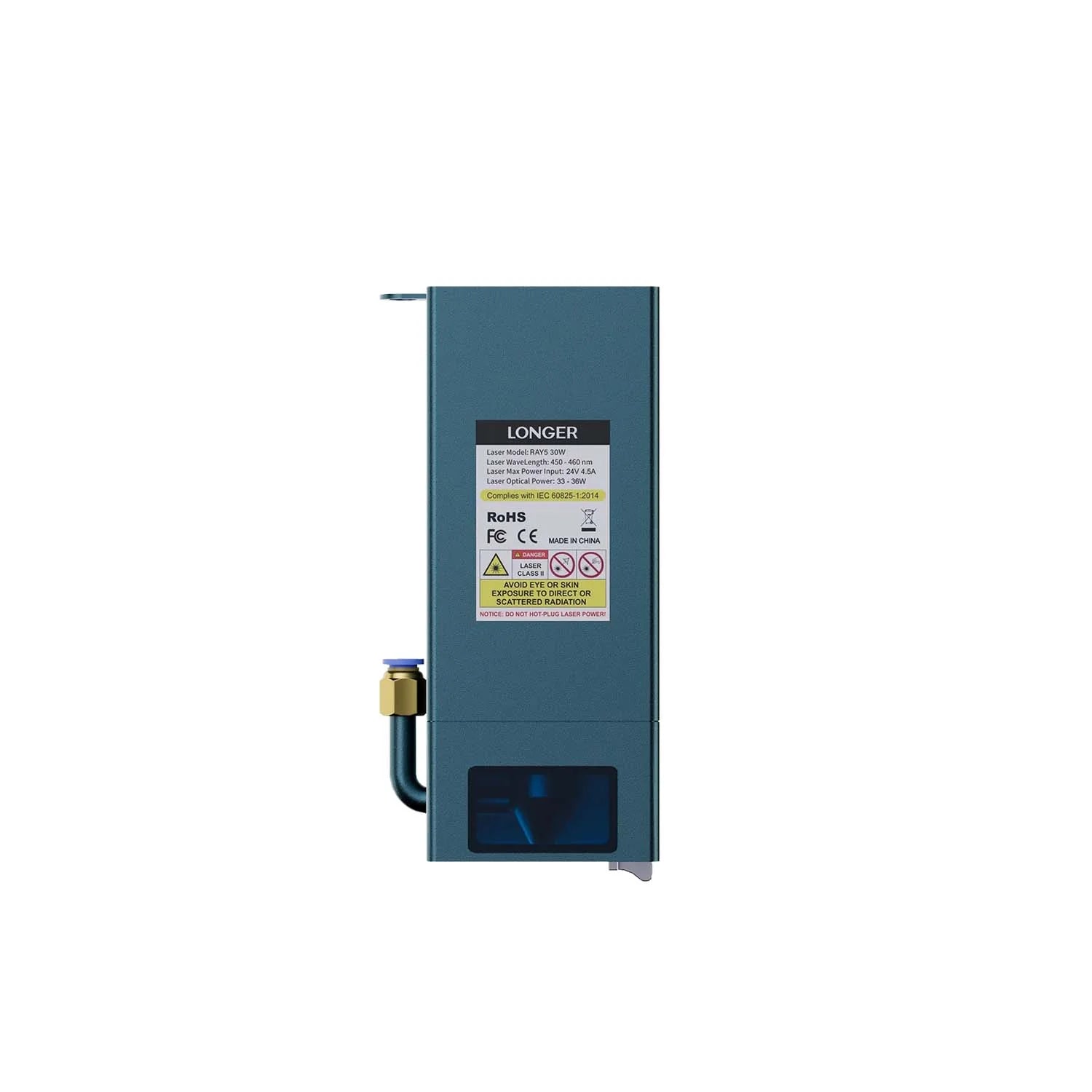
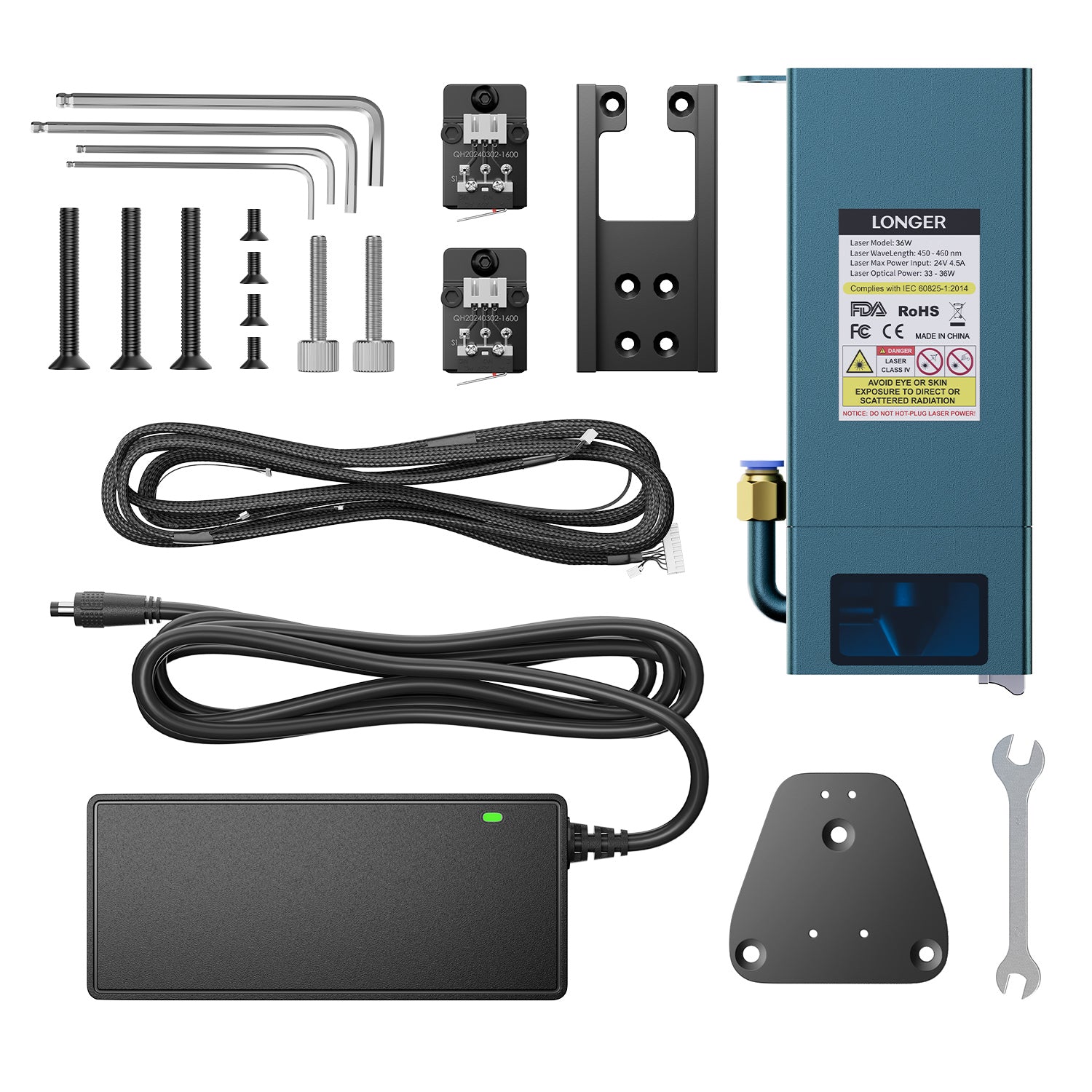
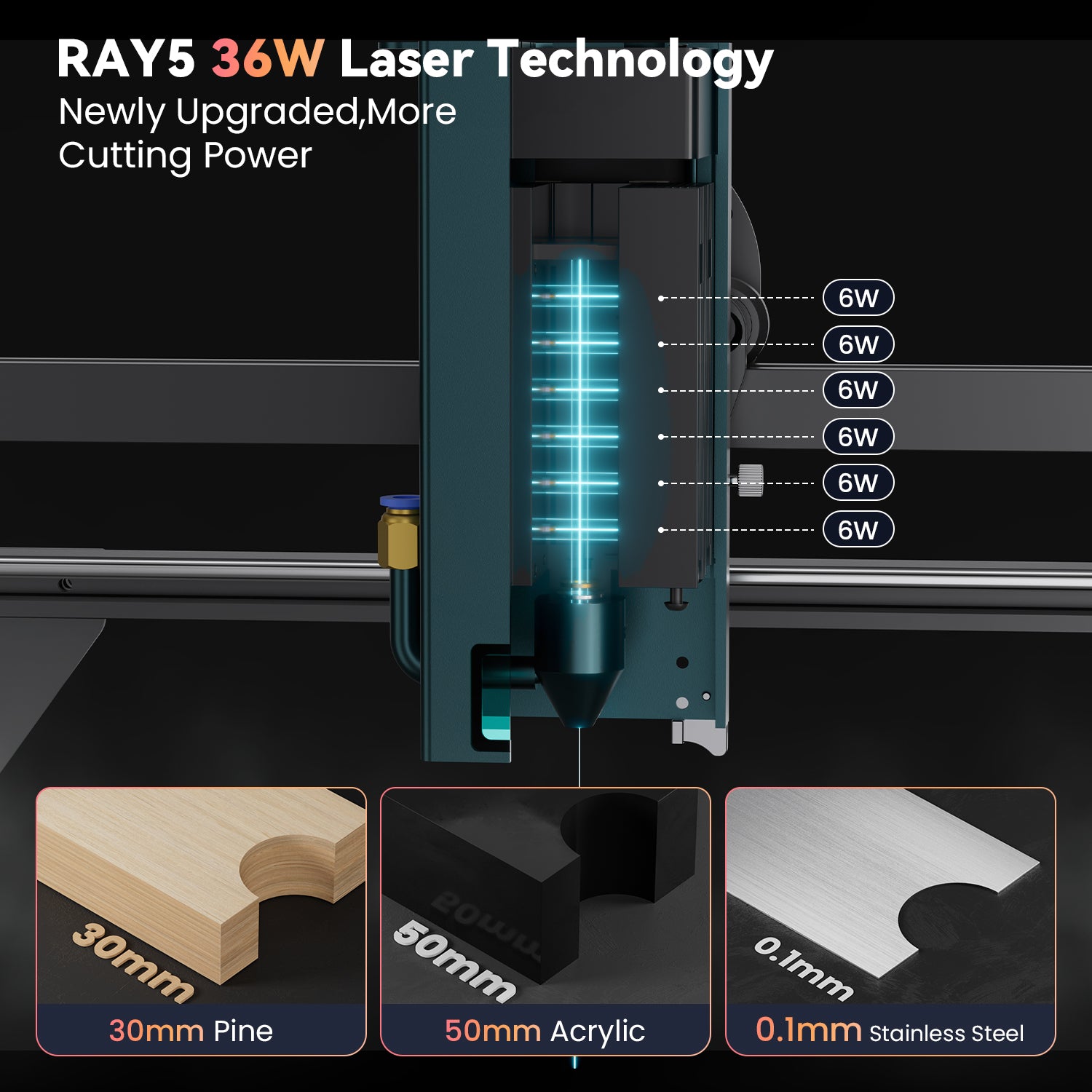
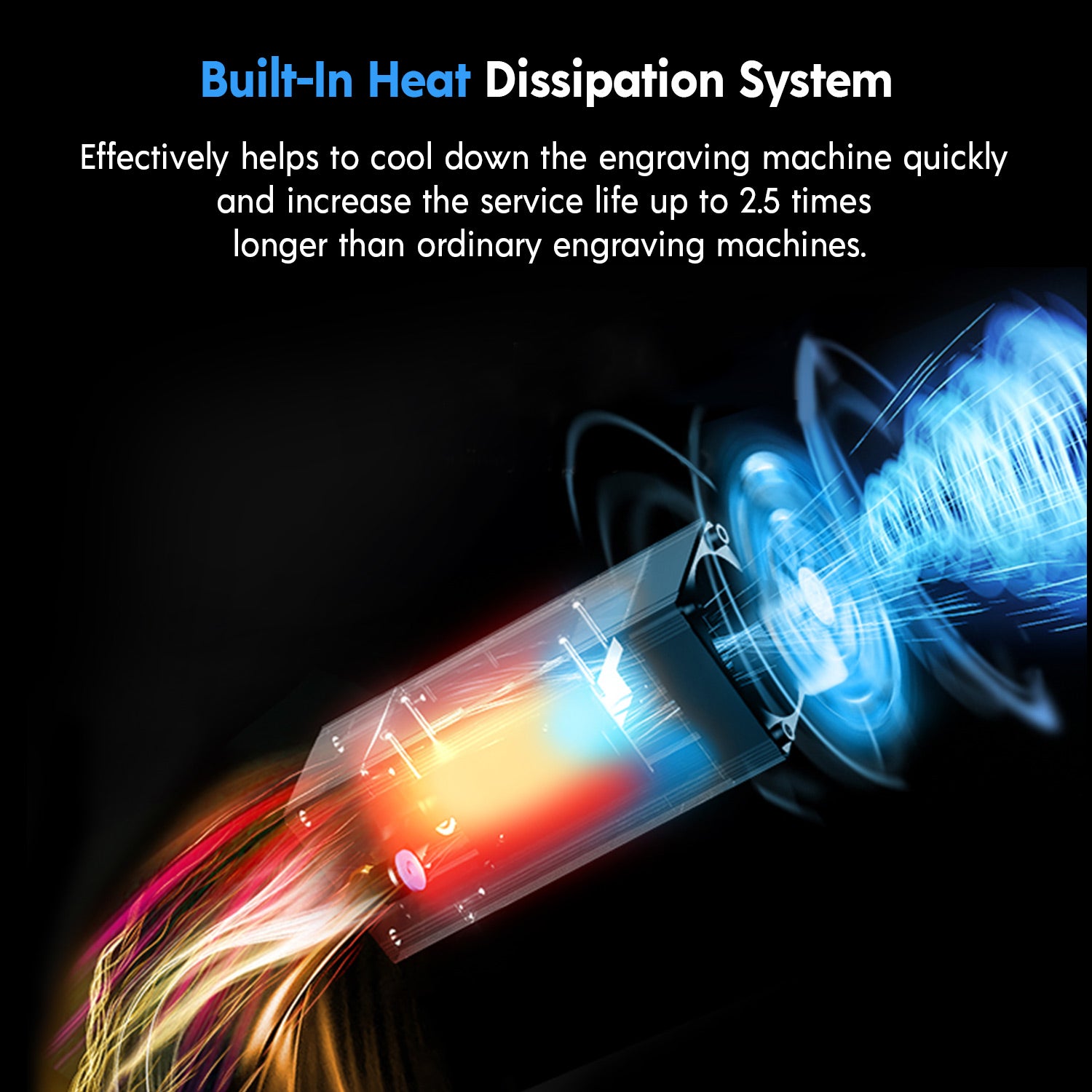
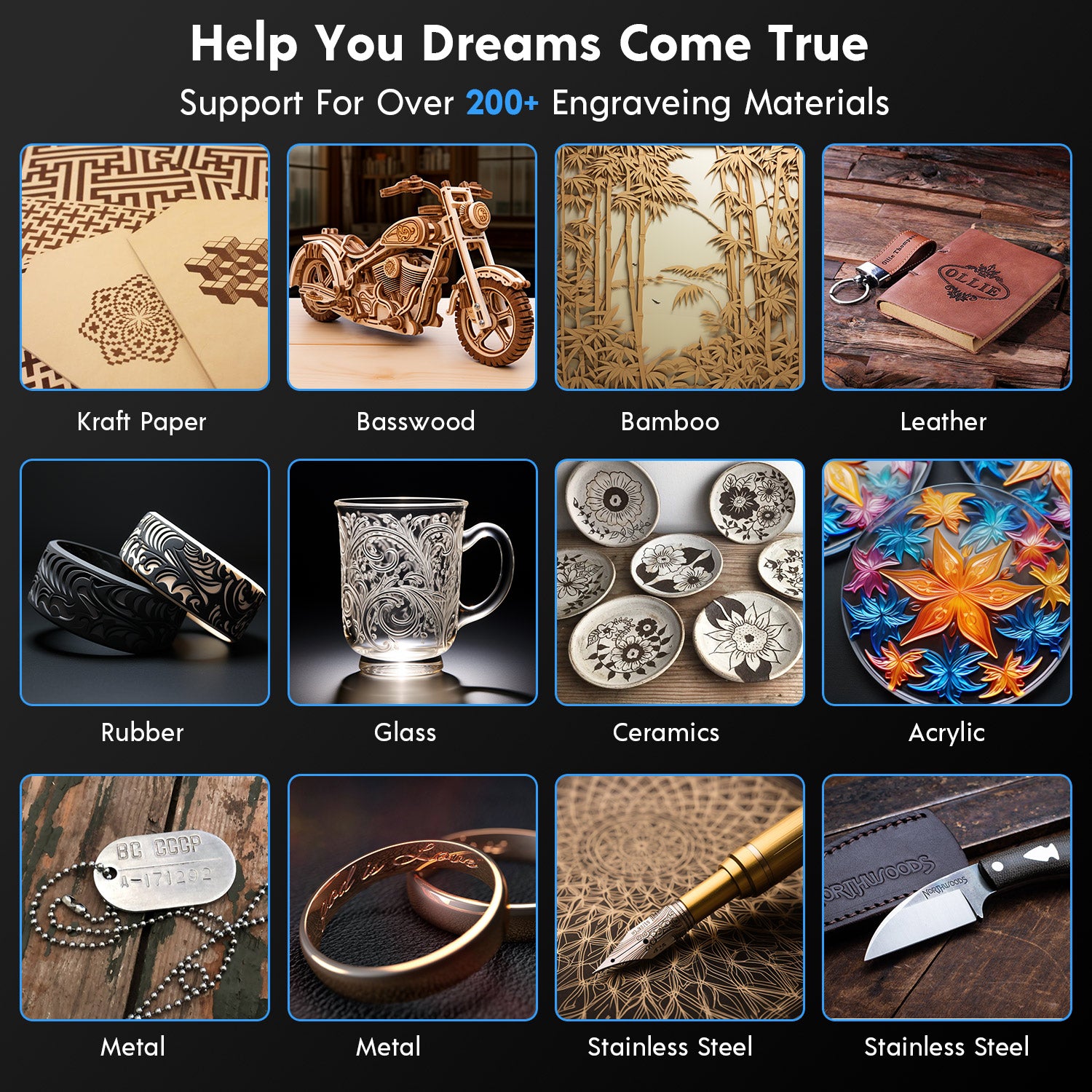
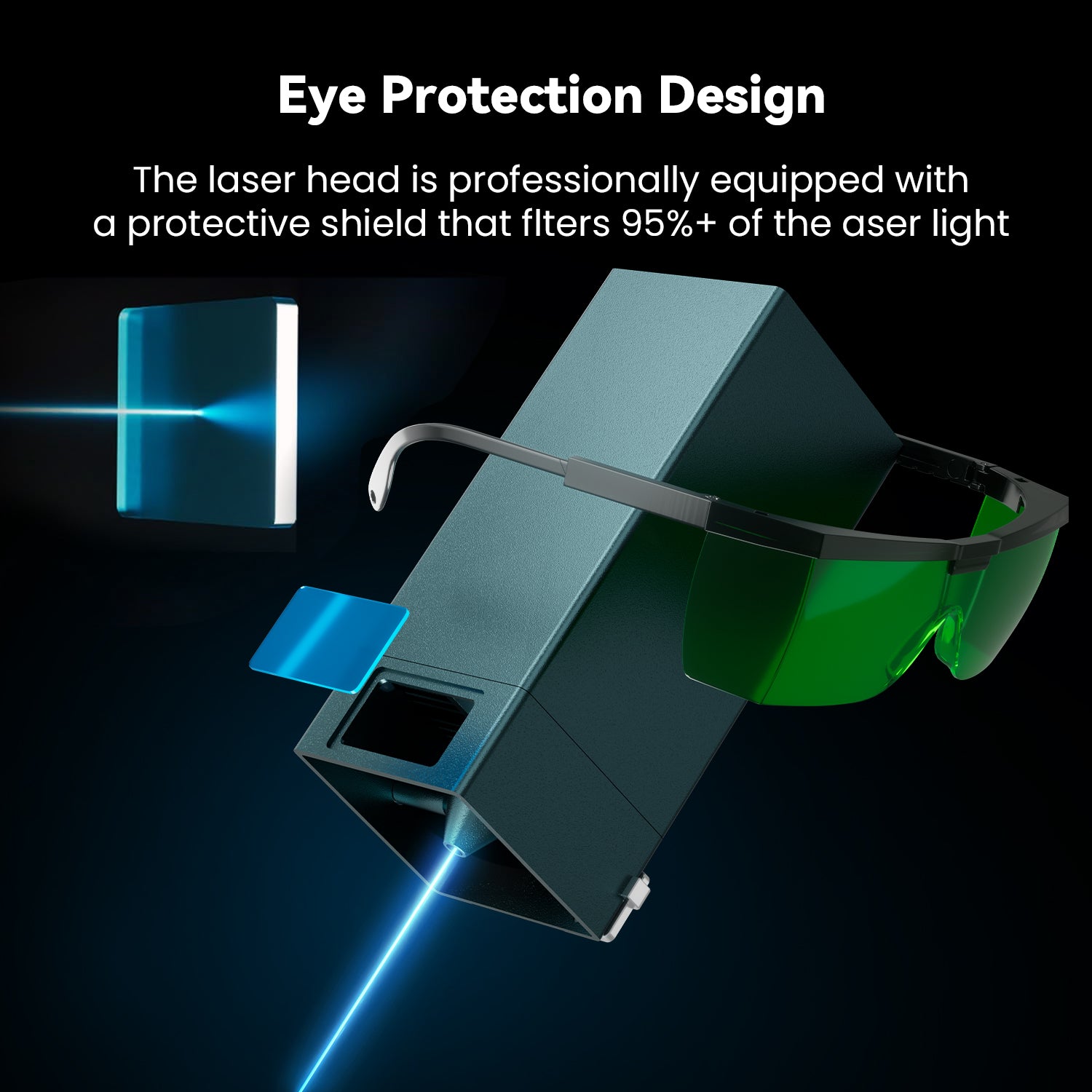
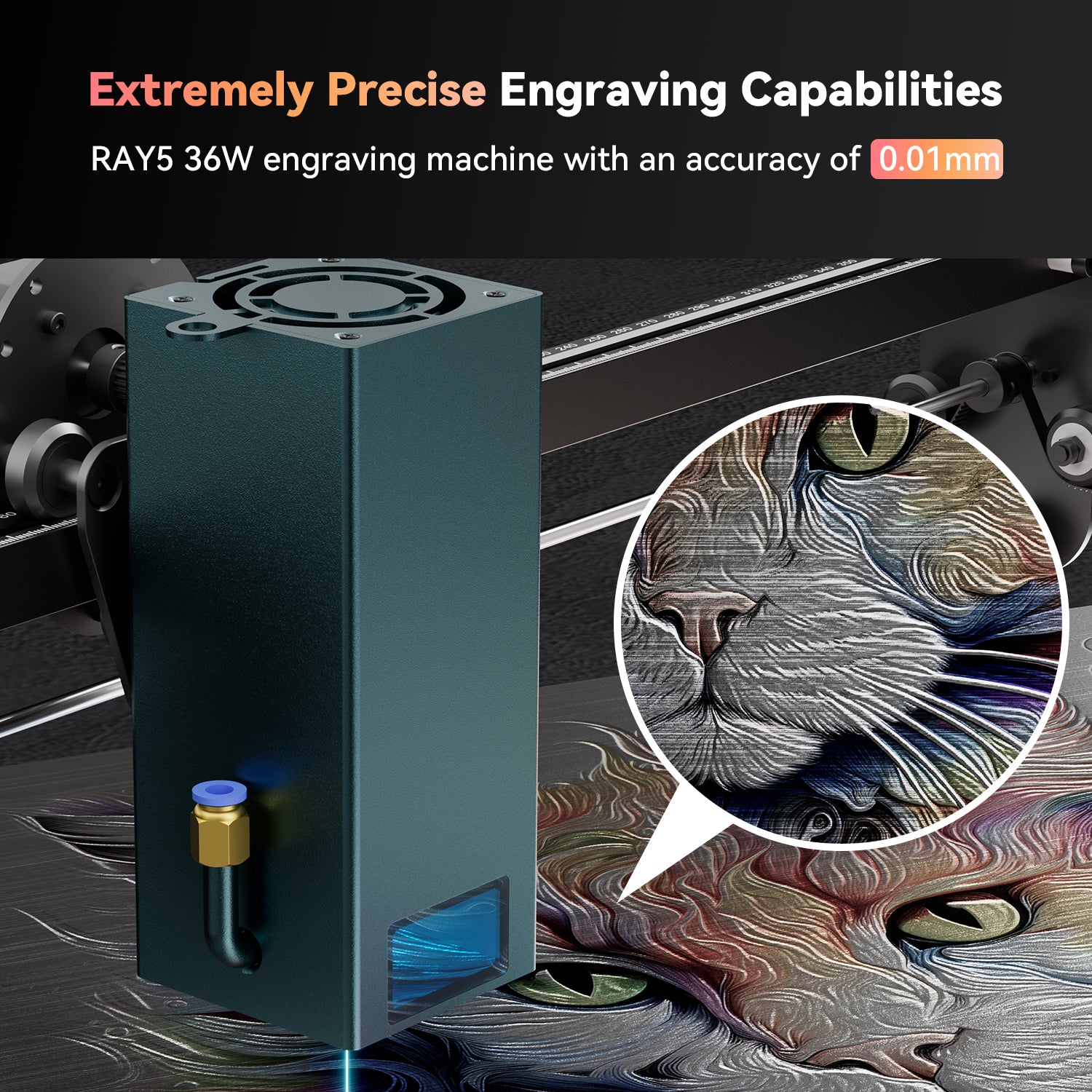
The hardware upgrade from the 10W to the 30W was simple. Finding and loading the correct configuration files was far from intuative. It may have hurt that I upgraded my Lightburn version at the same time as the laser.
Works great though. I'm cutting 1/4" MFD in one pass as I'm typing this.
I am so glad that I upgraded from the 5w straight to 30 W. My speed times didn’t know it was gonna be this fast something that took me an hour and 25 is usually done in between 6 to 60 minutes. I haven’t tried cutting anything bigger, but 3mm baseboard cuts through great
A great upgrade to my Ray5 5W.
The 30W laser came with a pair of limit switches, which my Ray5 didn't have before. A new wire harness was also included. After installation, the limit switches had to be turned on in the settings. ($21 and $22).
I could not use the standard wire harness, because I had installed a y-axis extension. However, one of the harnesses supplied with extension kit worked fine.
Overall, I am very pleased with the quality and the functionality.
My only complaint is about the installation leaflet. The diagram of the motherboard is so tiny that the connector bubble numbers are unreadable. Fortunately, there is a more legible electronic version on the Longer support site. Also, most receptacles are labeled on the motherboard itself.
Bonne puissance, le module est un peu lourd pour le RAY5, à part la notice de montage pas d'autres explications (fichier matériaux, utilisation, fichier tests par exemple).
J'aime !
Enjoying the power and speed, wish there were a database for materials as my boss for my 10 watt are superfluous. Little difficult to put together with the plugs on the circuit board.
I had a large number of plaques to engrave for a wedding. The 10w was not fast enough to accomplish all the engraving on each piece in less than 3 hours. The upgrade to the 30w did the same engraving in slightly our 60 minutes, each piece. This saved me many hours of standing by waiting for each piece to finish. The engraving was more consistent also.
I love it. But I wish someone can guide me through on how to engrave in color and on what materials and what settings to use with GBRL Software
Any help with this matter will be greatly appreciated. Thank you,
Raymond Ruth