






Products
Trending searches

Troubleshooting Common Issues with Ray5 20W Laser Cutter
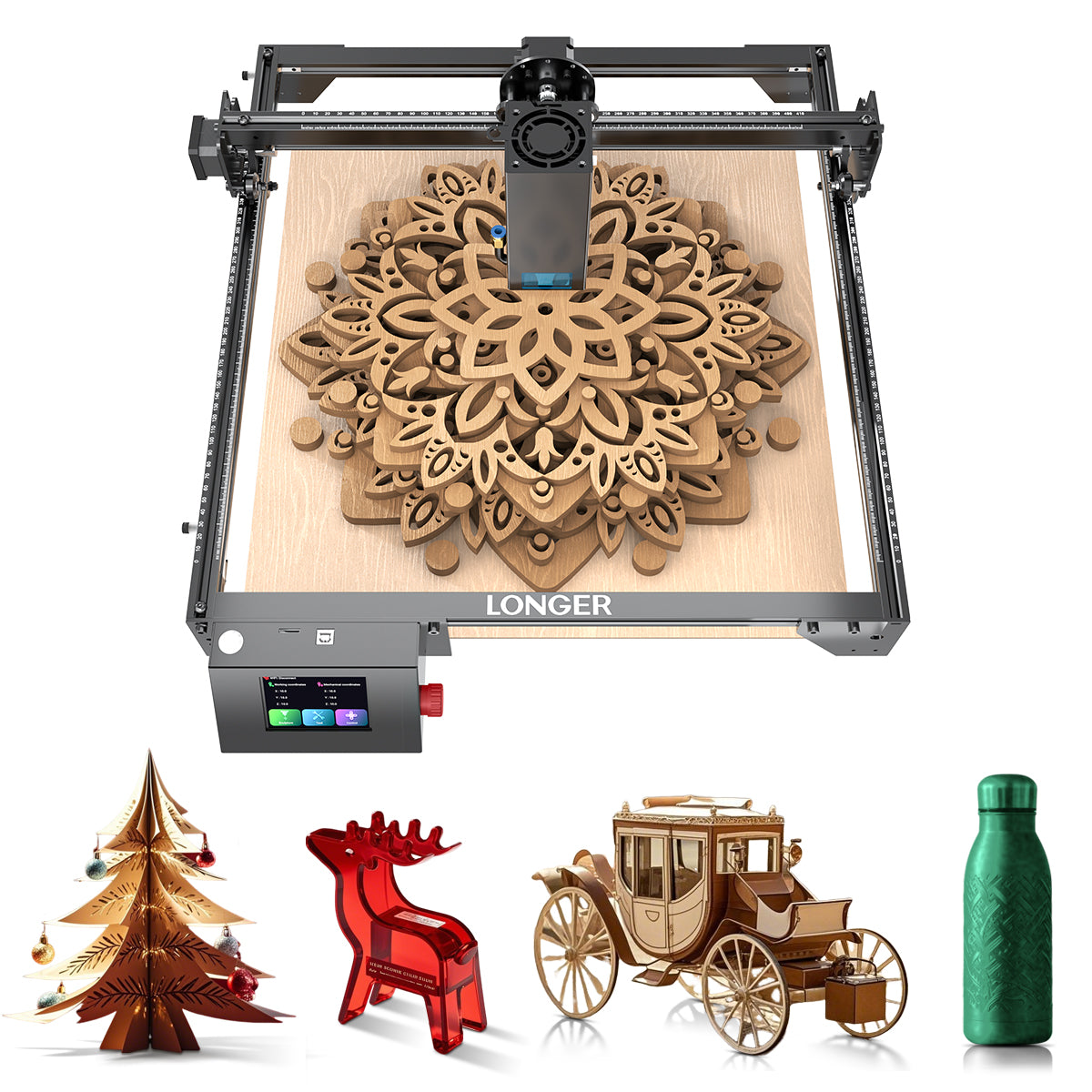
The LONGER Ray5 20W laser engraving machine is a powerful and versatile tool widely used for cutting and engraving a variety of materials. However, like any precision device, users may occasionally encounter technical issues that affect performance and workflow efficiency.
Understanding how to identify and resolve these common problems is essential for maintaining consistent output quality and ensuring long-term machine stability. This guide outlines the most frequently encountered issues with the Ray5 20W and provides practical troubleshooting solutions.
Poor Cutting Precision
One of the most common issues is inaccurate or inconsistent cutting results.
Possible causes:
- Loose belts or mechanical components
- Improper focus adjustment
- Incorrect machine calibration
- Unstable working surface
Solutions:
- Tighten belts and check all mechanical connections
- Recalibrate the laser module and ensure proper focusing
- Level the working bed before operation
- Secure the material firmly to prevent movement
Maintaining mechanical stability is key to achieving precise cutting results.
Insufficient Engraving Depth
If engraving appears too light or shallow, the issue is often related to energy output or settings.
Possible causes:
- Low laser power setting
- Incorrect speed configuration
- Dirty or obstructed lens
Solutions:
- Increase laser power gradually
- Reduce engraving speed for deeper marking
- Clean the laser lens regularly to ensure optimal beam transmission
Proper parameter adjustment is critical for achieving consistent engraving depth.
Software Connection Issues
Connectivity problems between the laser cutter and control software can interrupt workflow.
Possible causes:
- Faulty USB cable or connection port
- Driver installation errors
- Incompatible software version
Solutions:
- Replace or reconnect USB cables
- Reinstall device drivers
- Ensure software is updated and compatible with the Ray5 system
Stable communication between software and hardware is essential for reliable operation.
Burn Marks or Excessive Charring
Burnt edges or excessive charring can affect the quality of finished work.
Possible causes:
- Excessive laser power
- Slow engraving speed
- Poor airflow or ventilation
Solutions:
- Reduce power settings appropriately
- Increase engraving speed
- Improve ventilation or use an exhaust system
Balancing power and speed is key to clean engraving results.
Lens Contamination or Degradation
A dirty or damaged lens can significantly reduce laser performance.
Possible causes:
- Dust buildup during operation
- Smoke residue accumulation
- Lack of regular maintenance
Solutions:
- Clean the lens using recommended cleaning tools
- Inspect regularly for damage or wear
- Replace the lens if necessary
Routine maintenance ensures long-term performance stability.

Conclusion
While the LONGER Ray5 20W laser cutter is designed for reliability and precision, proper maintenance and correct operational settings are essential for optimal performance. Most common issues can be resolved through simple adjustments, regular cleaning, and proper calibration.
By understanding these troubleshooting methods, users can minimize downtime, improve engraving quality, and ensure smooth, efficient operation across a wide range of projects.
- 选择一个选项会导致整个页面刷新。


!