

News

LONGER Authorized Reseller in Iran - LONGER
LONGER Authorized Reseller in Iran

Congratulation!

We announce Azarin Tech is our official reseller in Iran country, Azarin Tech will present full products of LONGER, of which is included FDM 3D printers, Resin 3D printers, Resin and Spare parts for Iran customers. Azarin Tech will provide the technical support and after sales service for LONGER products. 

The contact information is: 

Azarin Tech
www.azarintech.ir
Mashhad, Iran
+989190207989
+989153139018

About Azarin Tech

Azarin Tech is found by an enthusiasm team with many years experience on 3d printing, Azarin has import many famous brands of 3d printers, 3d printing material into Iran markets. 

LONGER believe that the cooperation between Azarin Tech will provide more service for local customers to enjoy the fun of 3d printing. 

 https://www.longer3d.com/products/lk5-pro-fdm-3d-printer

By News | May 31, 2021
3D Printer leveling tutorial follow by steps - LONGER
3D Printer leveling tutorial follow by steps

For some beginner of 3D printer user, they don't know how leveling. in this article, we going to tech you how leveling 3d printer before printing. and our Lk5 pro 3d printer suitable for new 3d printer user, if you interested, could have a look. 


Before leveling, you need to make sure that your limit switch is installed correctly: Manually lower the hot end to just touch the print bed. Then loosen the fixing screw of the limit switch. Adjust the limit switch to the position just triggered.


Next, power on the printer. Heat the hot bed to 60 degrees (because of thermal expansion and contraction. There may be errors in leveling when it is cold).


Leveling 3d printer

Please prepare a piece of A4 paper.


Then select the leveling mode on the touch screen. Press the buttons in sequence. Every time when the hot end stops. Feel the distance between the nozzle and the print bed through A4 paper. Slowly adjust the leveling knob under the print bed. When you just feel the friction, it means that the distance between the nozzle and the printing bed is just right.


Leveling 3d printer

After adjusting the leveling knobs at the 4 corners of the print bed. Press the "5" button. Use A4 paper to feel the friction in the center of the print bed. If it feels inappropriate, please repeat the steps just now.


And you can follow video below, leveling your 3D printer: https://youtu.be/TJ0MOFPuOTQ

https://www.longer3d.com/collections/3d-printers-1

By News | May 24, 2021
BLTouch for LK1/LK4/LK4 PRO/LK5 PRO Leveling - LONGER
BLTouch for LK1/LK4/LK4 PRO/LK5 PRO Leveling
This article is to help the LONGER LK and LK Pro series 3d printer users who want to upgrade with auto bed leveling sensor, like BL-TOUCH, LK5 PRO Leveling, etc.
By News | February 9, 2021
3D Printer Download Guidelines - LONGER
3D Printer Download Guidelines

1. LKxPro-Marlin

2. Slicing Software Download - FDM 3D Printer

3. Slicing Software Download - Resin 3D Printer

4. Firmware Download 

LK4 3D Printer

LK4 PRO 3D Printer

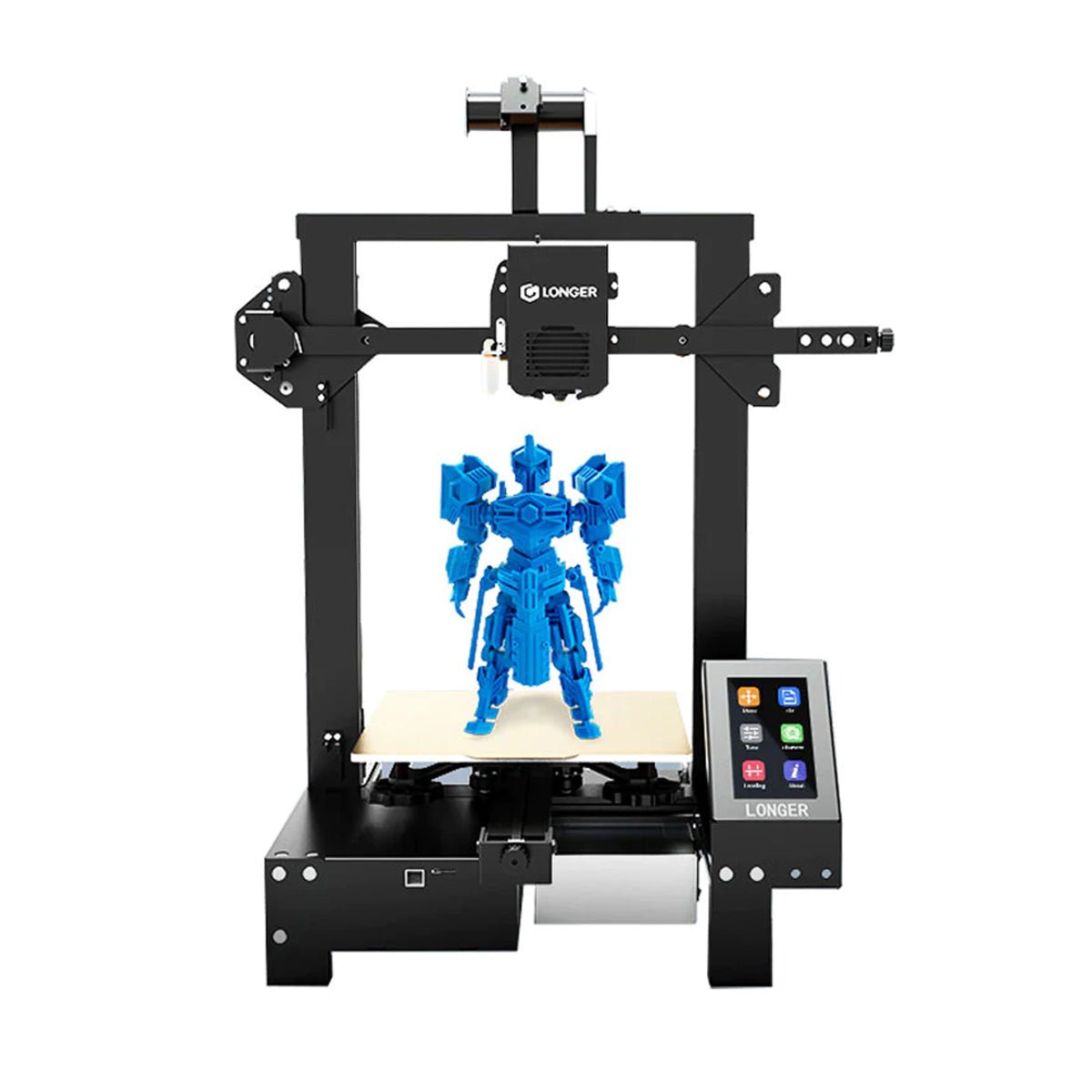
LK5 PRO 3D Printer

LK5 3D Printer

LK1 3D Printer

Cube 2 3D Printer

LK1 PRO 3D Printer

LK1 PLUS 3D Printer

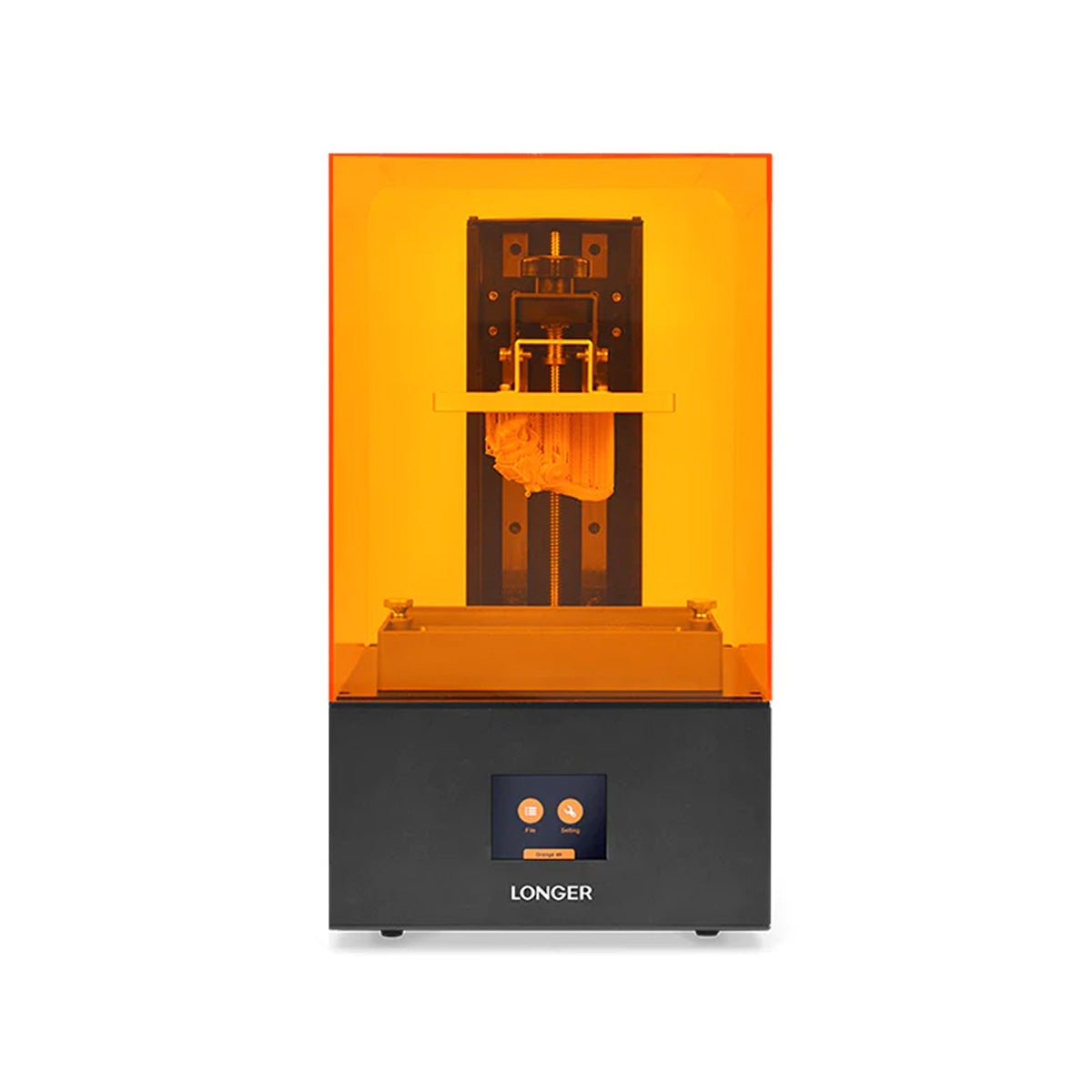
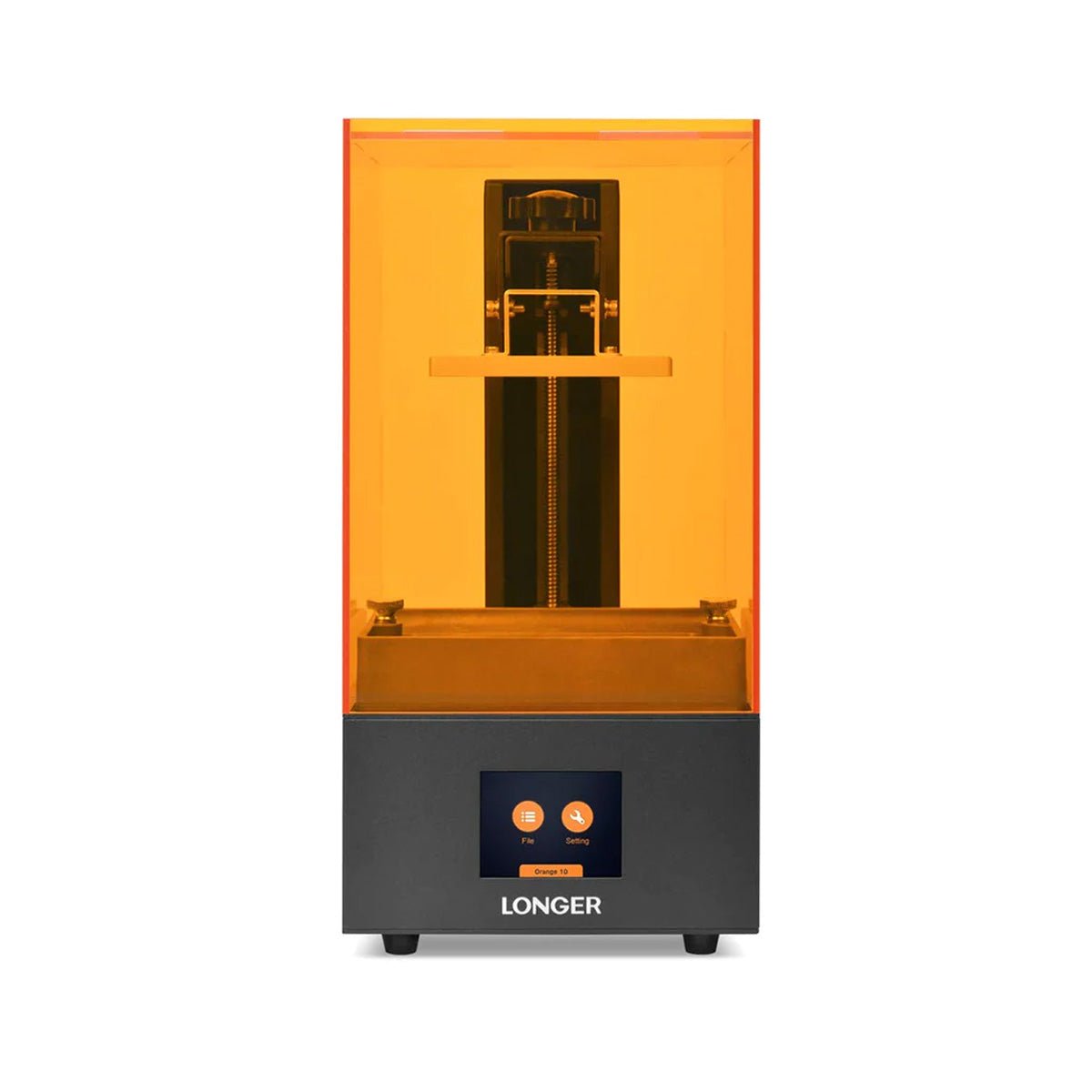
Orange 10 3D Printer

  • Because there's several version firmware for Orange 10, please contact our support team first before update at support@longer3d.net

Orange 4K 3D Printer

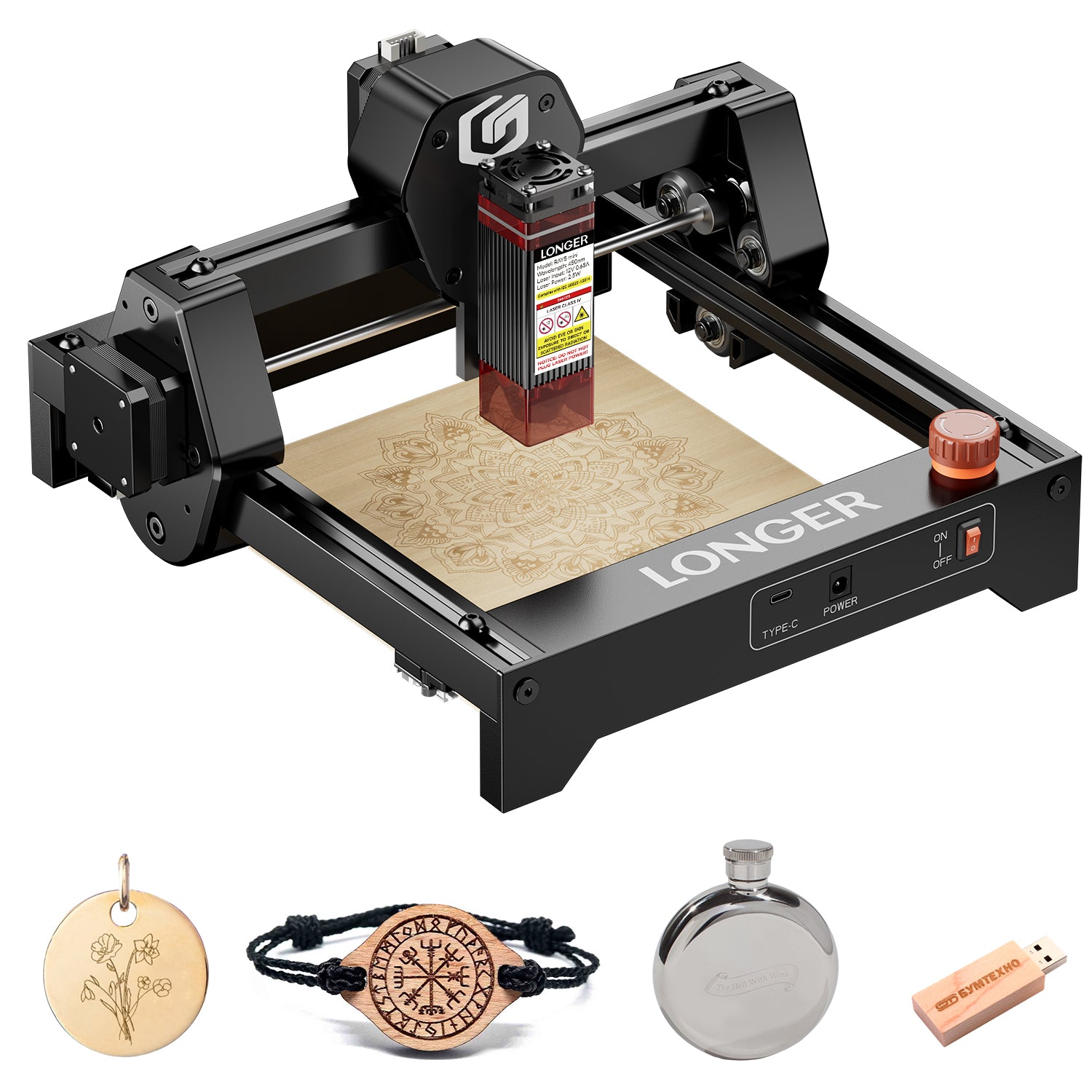
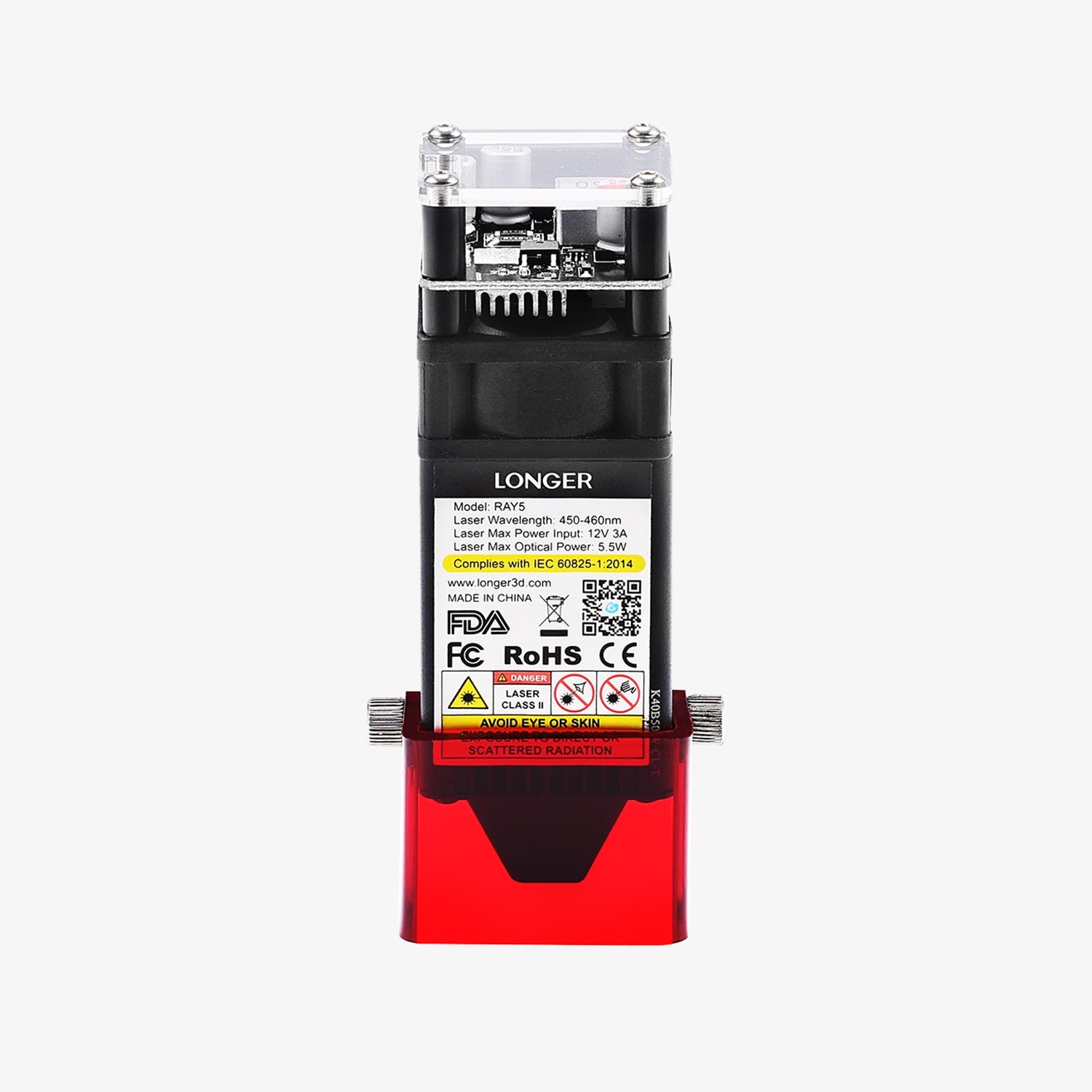
LONGER RAY5 laser engraver

5. Manual Download 

LK4 3D Printer

LK4 PRO 3D Printer

LK5 PRO 3D Printer

LK1 3D Printer

Cube 2 3D Printer 

LK1 PRO 3D Printer

Orange 10 3D Printer

Orange 30 3D Printer

Orange 4K 3D Printer

6. Drive Program for FDM 3D Printer 

7. TF Card / USB Disk Content to LONGER 3D Printer  

8. TF Card Format Tool


If you still have any questions during the operation, please visit our Support Page. Our knowledgeable staff is happy to assist you and your team with any questions. 

LONGER offers you a lot of support to ensure that you fully achieve the potential of the laser cutter and engraver machine. LONGER website provides a quick overview of the company's services and products, frequently asked questions, software compatibility downloads, and comprehensive comparisons between different models of machines that will help you make the right decision. Also, customer service can quickly attend to any questions and complaints.

By News | January 24, 2021