

Blog de grabador láser

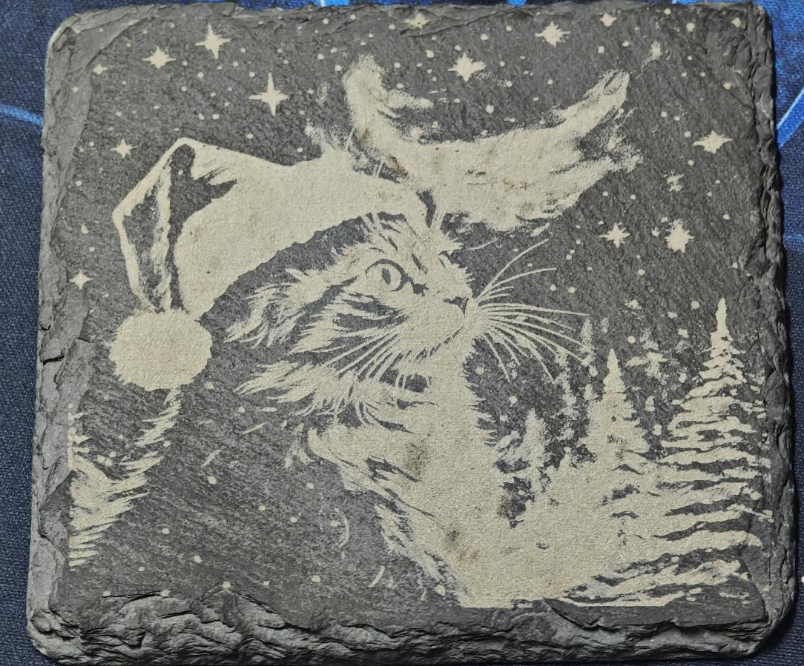
LONGER HOW TO:Laser Engraving Slate with the NANO Pro

Slate is a stylish and durable material ideal for personalized engraving projects. With the LONGER Nano Pro laser engraver and LightBurn software, users can easily etch detailed graphics, text, or art onto slate surfaces. This guide explores the principles behind slate laser engraving, compares direct and coated methods, and offers a step-by-step process using the Nano Pro. By properly preparing the slate and fine-tuning engraving settings, creators can achieve crisp, professional results. Whether for gifts, signage, or home décor, laser engraving slate has never been more accessible.

By Blog de grabador láser | May 22, 2025
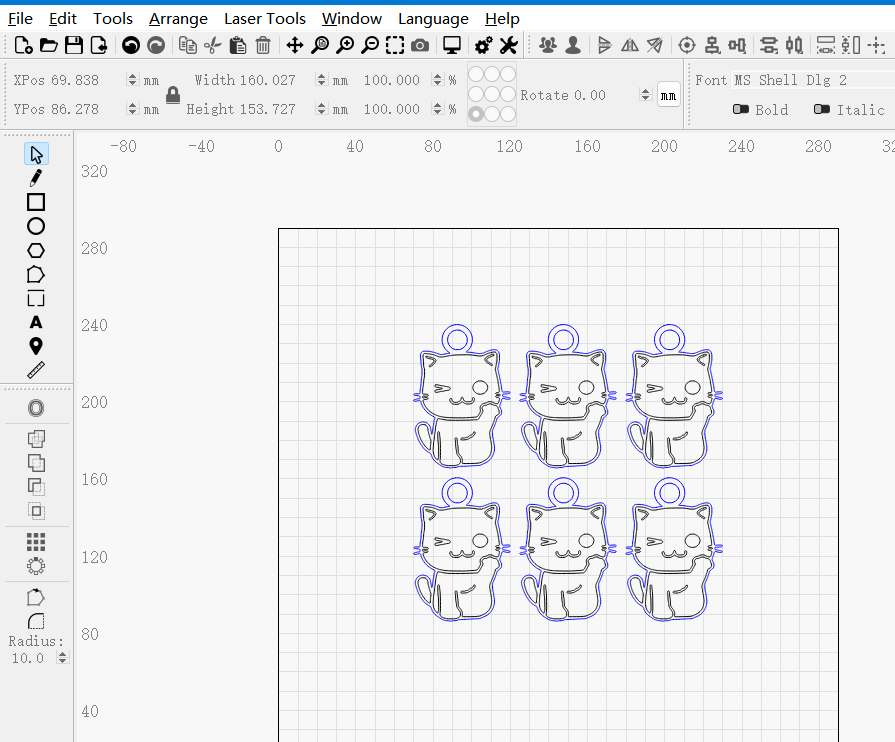
LONGER How to: Quickly Create Multiple Repeating Patterns Using “Create an Array of the Selected Objects” in LightBurn

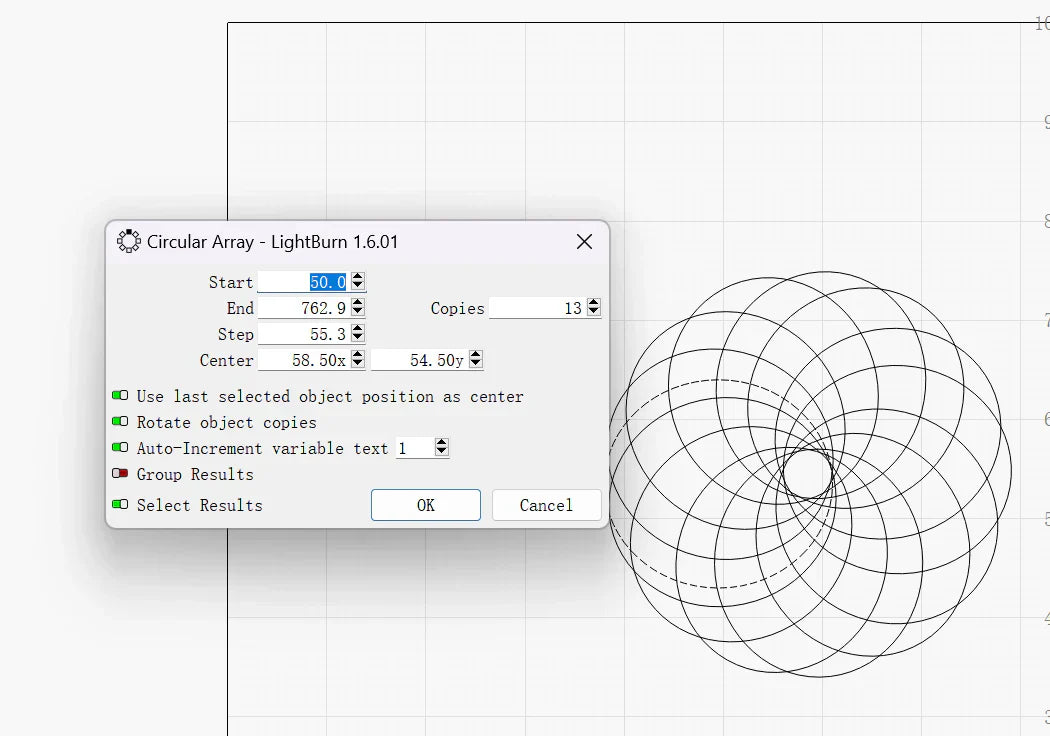
Repeating the same pattern in laser engraving projects can be time-consuming if done manually. LightBurn’s “Create an Array of the Selected Objects” feature allows LONGER laser engraver users to instantly duplicate any design in multiple rows and columns with precise spacing and alignment. This step-by-step guide explains how to use the array tool, customize its parameters, and streamline repetitive tasks—ideal for bulk production or patterned engraving. Save time, boost accuracy, and improve workflow efficiency with this powerful LightBurn function.

By Blog de grabador láser | May 22, 2025
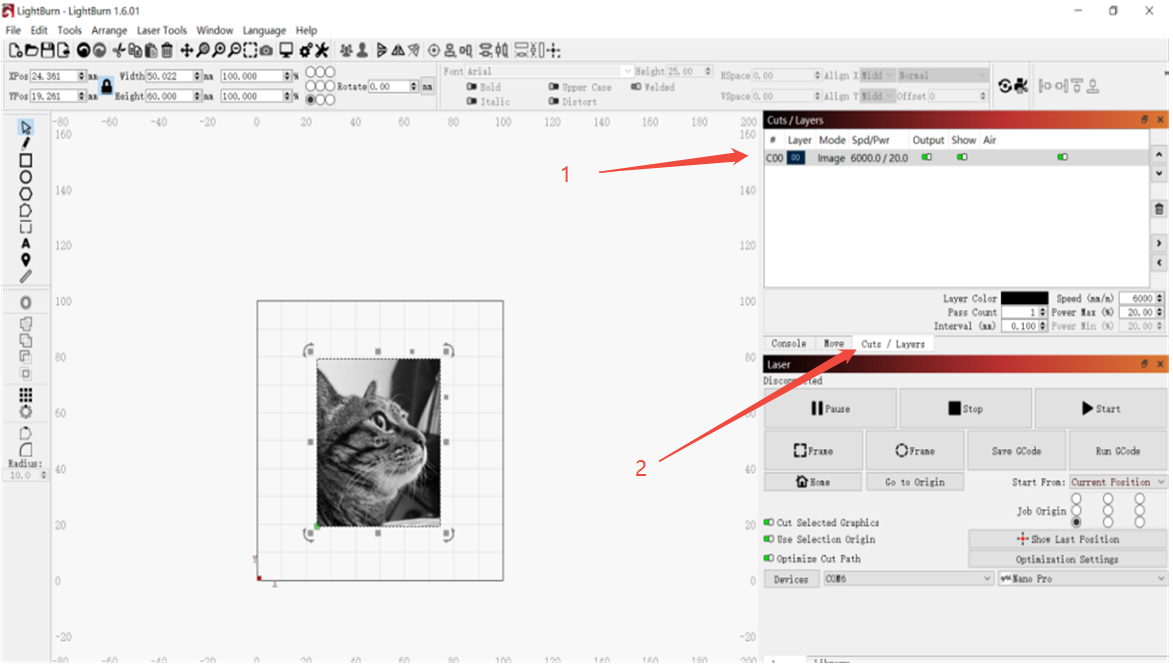
LONGER How to:The Impact of Line Interval on Image Quality in LightBurn

Line interval is a key setting in LightBurn that directly impacts engraving detail, visual quality, and processing time. This guide uses the LONGER NANO Pro to demonstrate how different line intervals—from 0.03mm for high-detail work to 0.12mm for fast, low-detail tasks—can dramatically change the outcome of your laser projects. By understanding and adjusting this parameter, users can achieve the perfect balance of precision, efficiency, and artistic style in their engravings.

By Blog de grabador láser | May 22, 2025
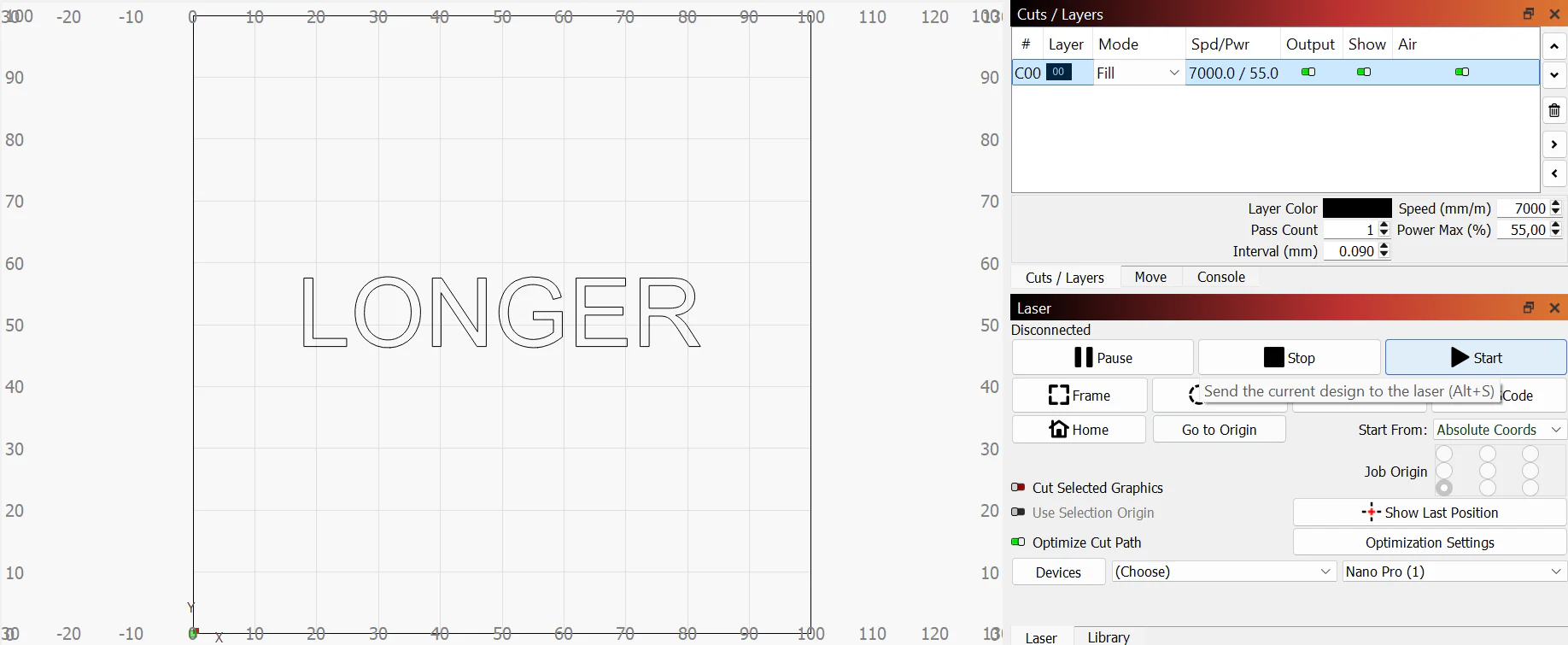
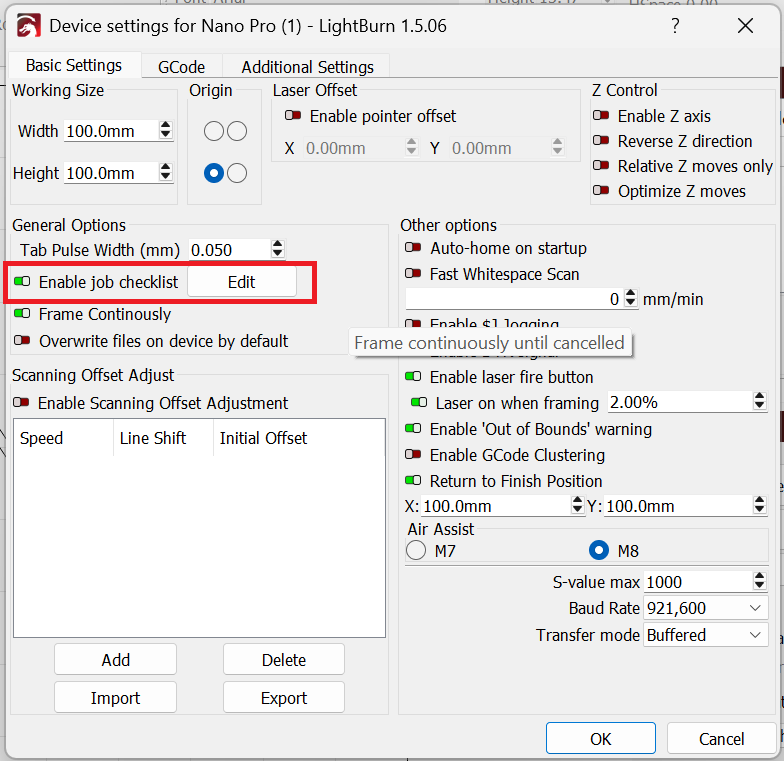
How to Set a Confirmation before to Start on Lightburn for Longer Laser Engravers

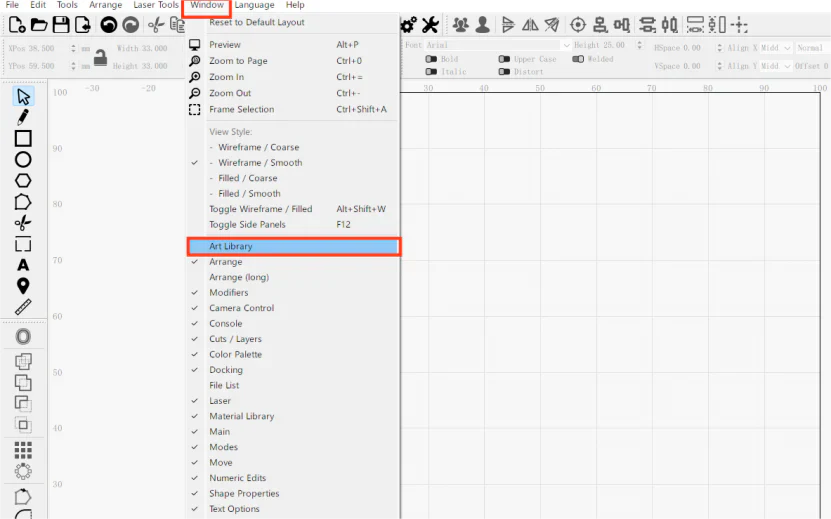
Longer Ray5, B1, and Nano are versatile laser engravers compatible with LightBurn software. To enhance safety and prevent accidental jobs, users can enable the “Job Checklist” feature in LightBurn, which prompts a custom confirmation message before starting any engraving. This simple setup helps ensure proper material placement and protective measures are in place before every operation, boosting both safety and efficiency for creators at any level.

By Blog de grabador láser | May 22, 2025
How to Use Scissors Mode on Lightburn for Longer Laser Engravers

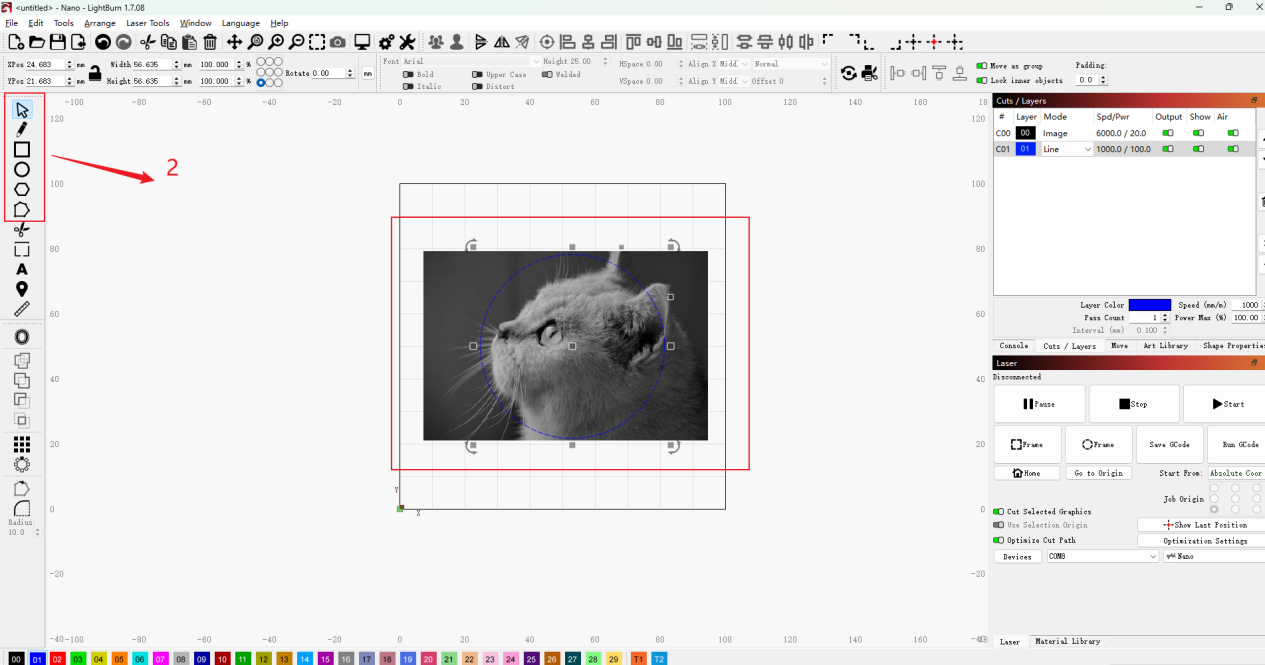
This tutorial explains how to use the Scissors Mode in LightBurn with LONGER laser engravers such as Ray5, B1, and Nano. When working with overlapping shapes or imported vector graphics, unwanted inner segments can cause errors during cutting or engraving. Scissors Mode allows users to delete specific line segments with precision, turning multiple shapes into a unified design. Ideal for cleaning up complex vector files or merging text and shapes, this feature improves workflow efficiency and output accuracy for all levels of creators.

By Blog de grabador láser | May 7, 2025
LONGER How to:Techniques for engraving black anodized aluminum plates with RAY5 series laser engraving machines

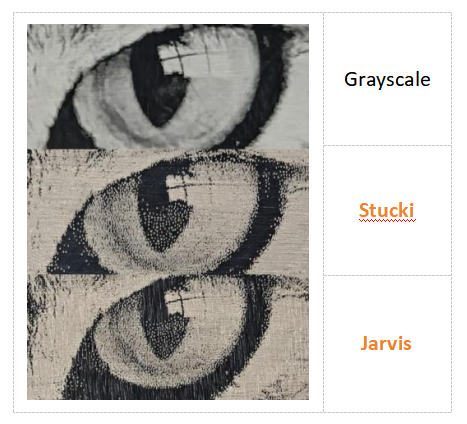
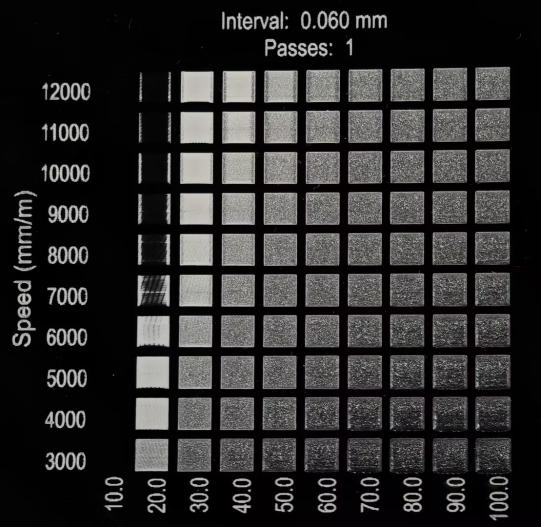
This guide demonstrates how to engrave grayscale images on black anodized aluminum using the RAY5 laser engraver. It covers parameter settings, image mode selection (recommending Grayscale), and fine-tuning image properties like brightness, contrast, and Gamma in LightBurn. With the RAY5's high stability and large engraving area, users can achieve detailed, high-quality results. Optimal parameters (e.g., 7000mm/min speed, 100% power) are provided as a reference, with advice on adapting settings for best outcomes across various images.

By Blog de grabador láser | May 7, 2025
How to engrave black acrylic with Nano series engraving machine

This guide explores black acrylic engraving with the LONGER Nano Pro laser engraver, highlighting differences between cast and extruded sheets, and demonstrating optimal LightBurn settings (speed 10000 mm/min, power 30%) to achieve sharp image quality on cast acrylic surfaces.

By Blog de grabador láser | May 7, 2025
LONGER How to:How to use laser to engrave ceramics

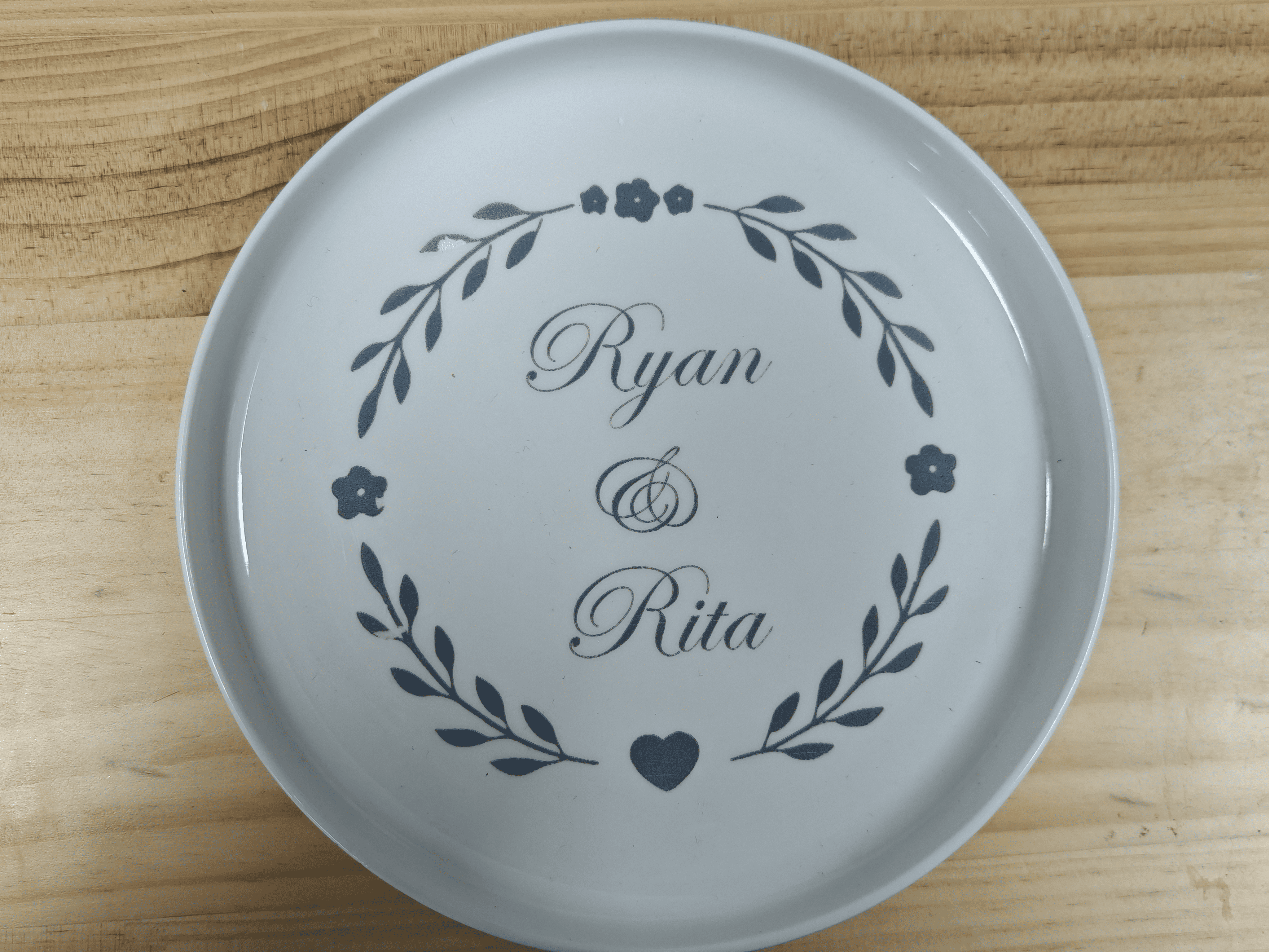
This guide uses the LONGER RAY5 10W to demonstrate how to laser engrave on white porcelain. By applying color paper to enhance energy absorption, adjusting LightBurn settings (1000mm/min, 100% power), and carefully cleaning after engraving, users can achieve sharp, detailed results. Fine-tuning material preparation and engraving speed ensures optimal engraving quality on ceramic surfaces.

By Blog de grabador láser | April 28, 2025
LONGER How to: Batch Engraving Business Cards with LONGER Nano Series: A Smarter Way to Personalize Your Brand

Batch engraving anodized aluminum business cards has never been easier or more precise. With the LONGER Nano Series laser engraving machine, creative professionals and business owners can produce sleek, customized cards that leave a lasting impression. This guide walks through the complete process—from setup and positioning to design import and laser parameter adjustment—ensuring efficient and professional-grade results every time.

By Blog de grabador láser | April 23, 2025
Safety First: Exploring the Advanced Safety Features of the LONGER Nano Series Engraving Machines

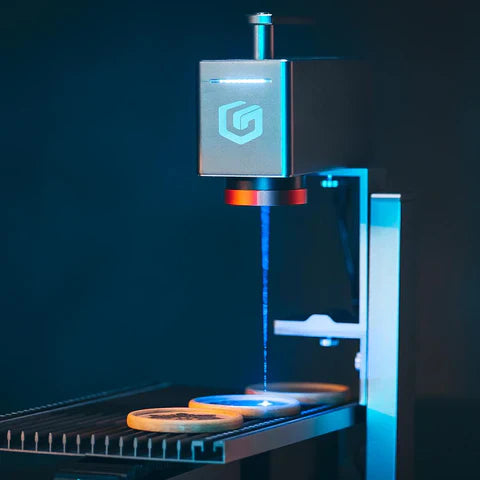
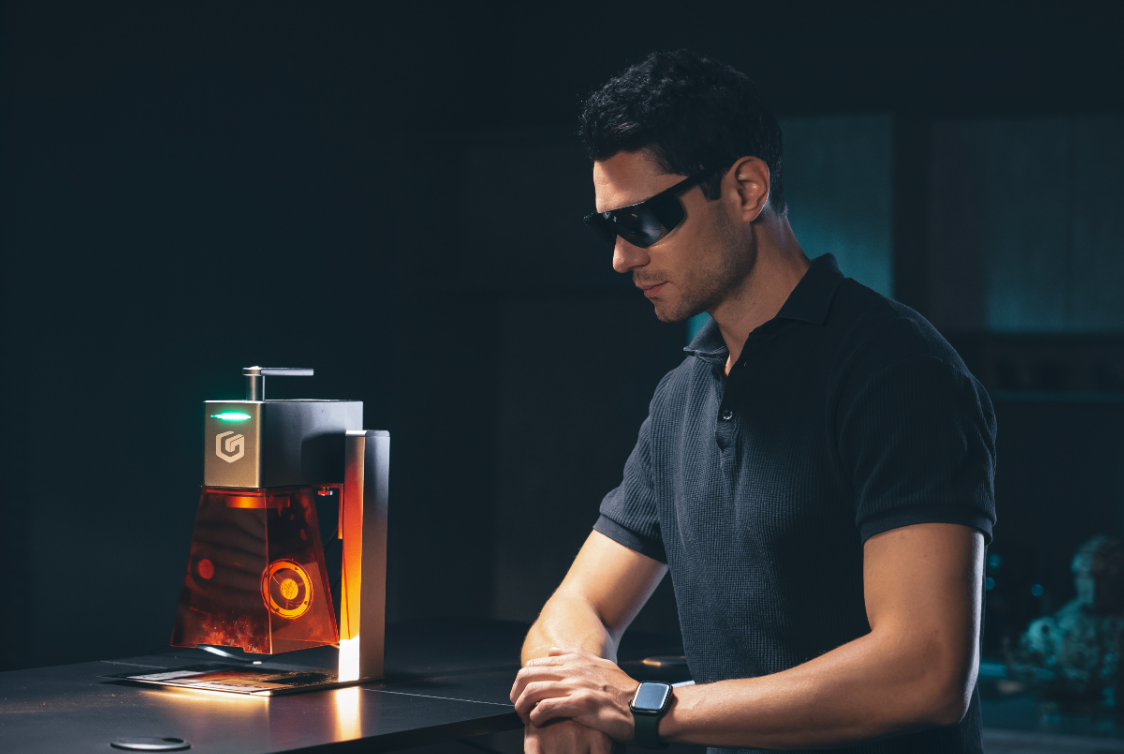
LONGER’s Nano Series laser engravers combine precision and safety with features like real-time temperature monitoring, tilt detection, and flame-retardant shielding. This article details how these safety systems work together to deliver a secure and reliable engraving experience for creators at all levels.

By Blog de grabador láser | April 23, 2025