Ray più lungo 5 più recente 20W vs. 10W contro 5W, quali sono le differenze? Quale acquistare?
Se vuoi incidere correttamente praticamente qualcosa, avrai bisogno di un incisore laser. Questo perché i laser sono estremamente precisi. Poiché vendono gli incisori Ray5 5W e Ray5 10W, le persone più a lungo sono un posto fantastico per iniziare. Le dimensioni, la potenza e la lunghezza focale del raggio sono le distinzioni chiave tra loro; Tuttavia, possono incidere una quantità significativa di materiale.
Se stai cercando uno strumento per incidere l'oggetto selezionato, dovresti scegliere il modello più adatto alle tue esigenze. Bene, non preoccuparti, dato che siamo qui per parlarti dei tre tipi di base di incisione laser, delle loro differenze e una guida per scegliere quale ti si addice in base alle tue esigenze. Senza ulteriori indugi, tuffiamoci subito.
Cos'è il potere laser?
Prima di conoscere i tre tipi di poteri laser, indaghiamo solo cosa sia il potere laser. La forza del laser è ciò che determina quanta energia viene presa dal foglio di lavoro. La regola di base è che quando la potenza laser è aumentata, anche l'angolo di curvatura cresce, raggiunge un picco e poi ricomincia a cadere mentre la potenza laser aumenta ulteriormente.
Maggiore è la potenza laser, più calore viene assorbito, il che si traduce in una temperatura di picco più elevata e, quindi, una quantità più incredibile di deformazione plastica sulla superficie scansionata. Questo fa aumentare l'angolo di piega. Dopo aver raggiunto il massimo, l'angolo di piega inizia a diminuire a causa di un aumento della potenza laser.
Questo è principalmente il risultato di due fattori. In primo luogo, lo scioglimento avviene nella regione che viene irradiata a una potenza più elevata e l'energia termica che viene applicata viene utilizzata nella trasformazione di fase piuttosto che nella flessione del materiale. In secondo luogo, quando la potenza è aumentata, aumenta anche la temperatura di picco della superficie del fondo della nave.
Ciò si traduce in una riduzione della differenza tra la deformazione plastica sulla superficie superiore e la superficie inferiore, che a sua volta porta a una riduzione dell'angolo di curvatura a maggiore potenza.
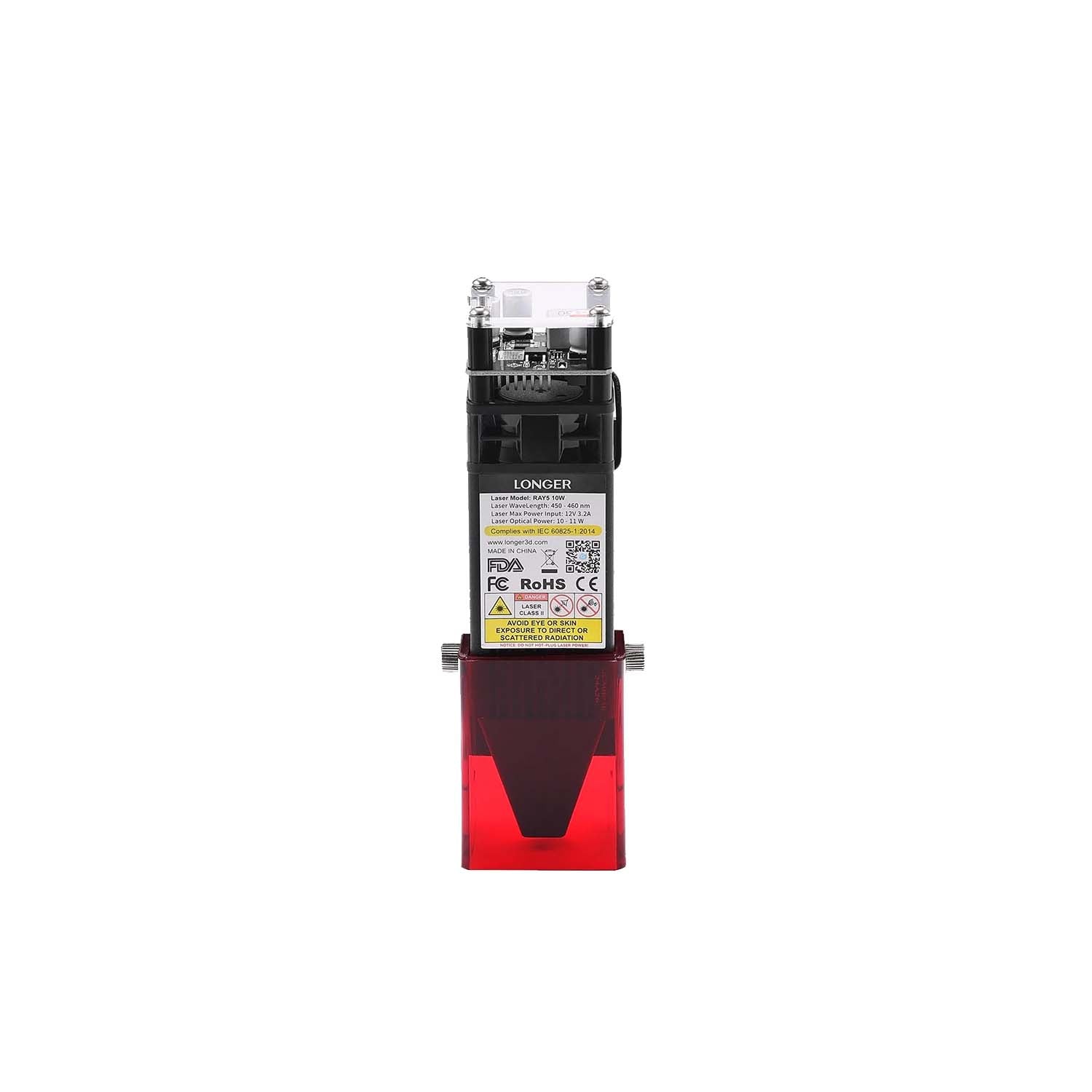
In termini di potenza laser ottica, la stragrande maggioranza delle più popolari incisori laser sul mercato ora si inserisce solo in due categorie primarie, vale a dire la potenza ottica 5W e 10W. I moduli nella prima categoria contengono ciascuno un singolo diodo laser. Al contrario, il Moduli da 10W contenere ottiche ingegnose che combinano la luce laser da due diverse sorgenti di diodi laser, con conseguente potenza di uscita che è due volte più forte di quella dei moduli a basso potere.
Cosa significa esattamente la "W"?
La wattaggio è uno degli aspetti più significativi da considerare quando si discute di tagliatori laser. È qualcosa che dovrai specificare quando acquisti per la prima volta la macchina ed è il fattore che influisce sulla potenza di taglio e sulla velocità del progetto.
Quando la valutazione della potenza è aumentata, aumenta anche il flusso di energia. Quando si tratta di taglierini laser, avere un laser da 20 W anziché un laser da 5 W consentirà all'energia di trasferire a una velocità sostanzialmente più veloce.
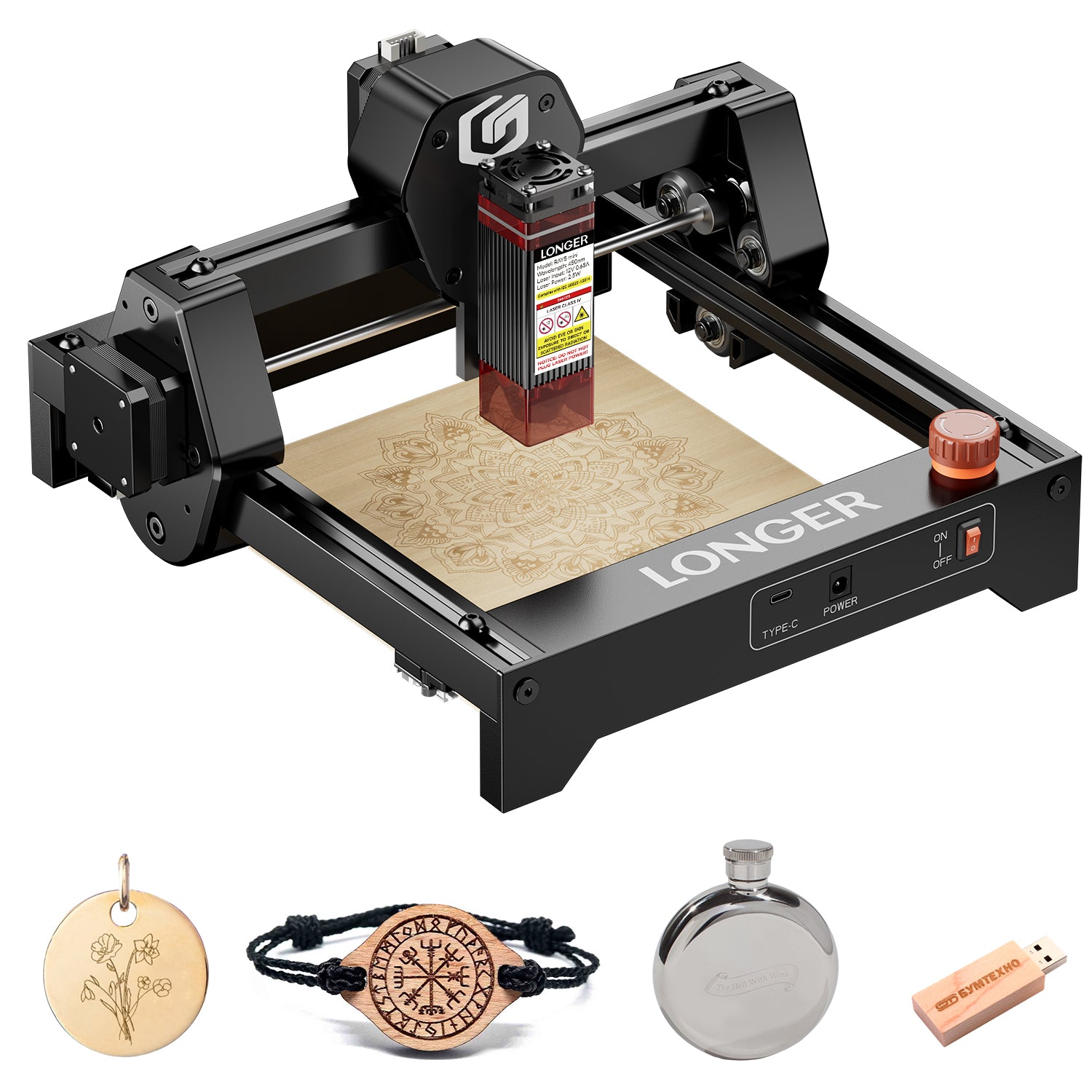
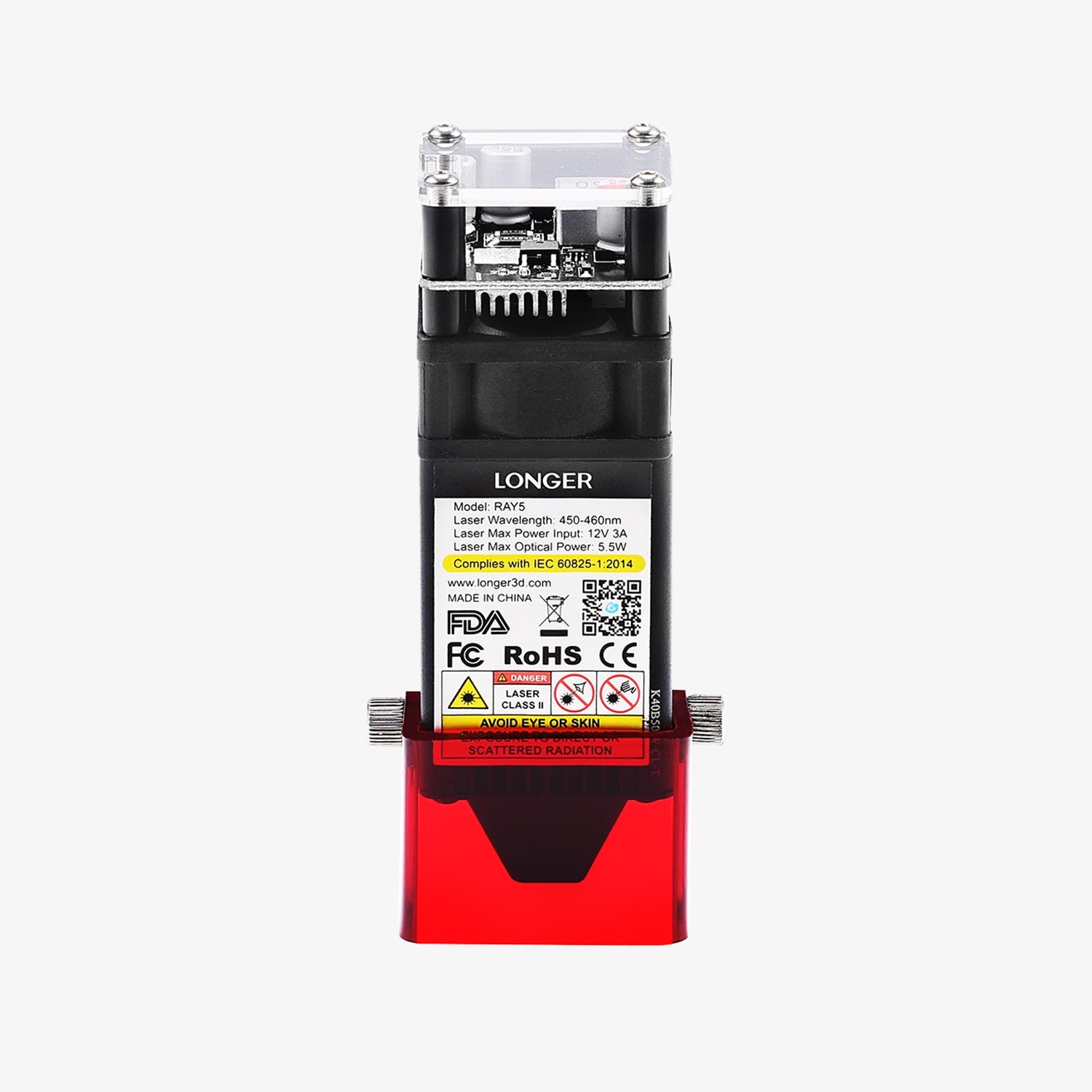
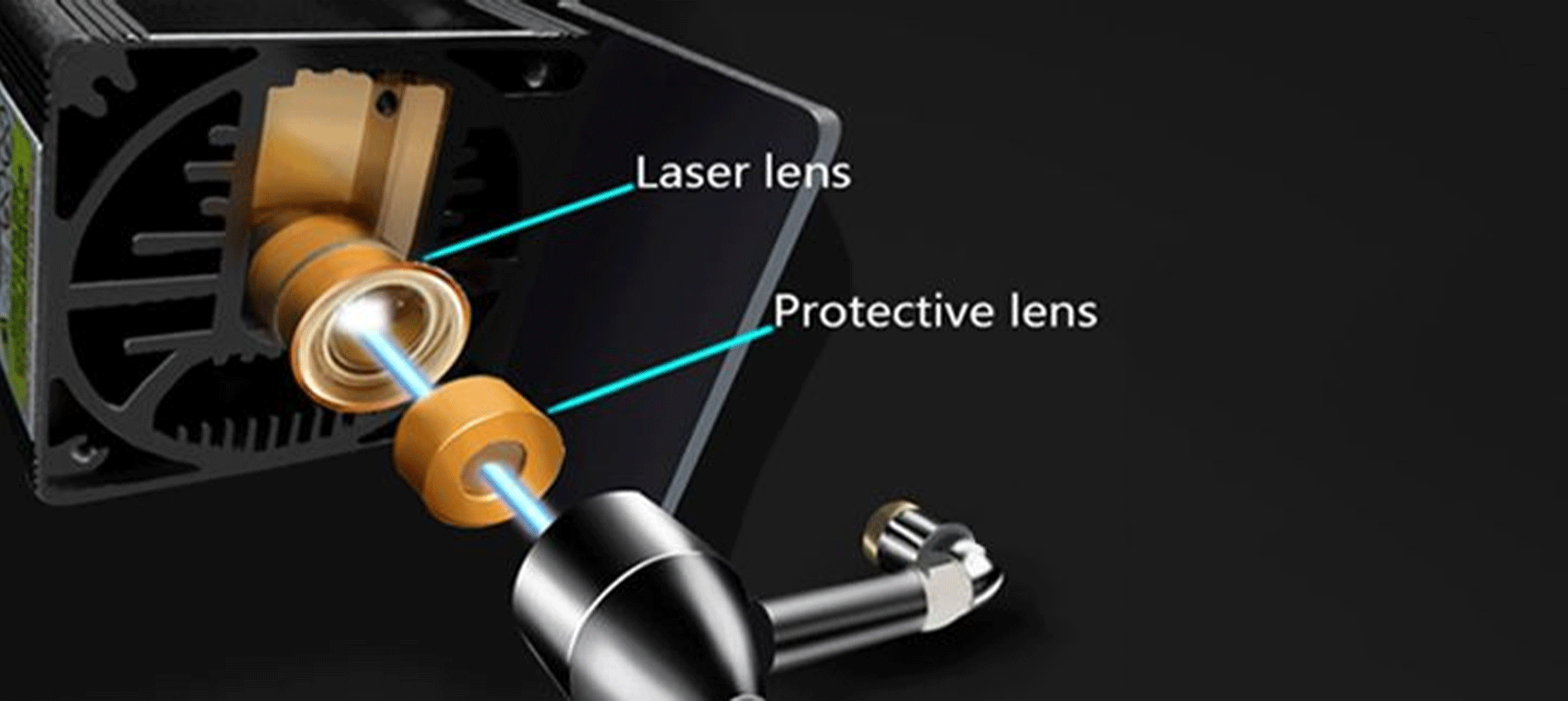
Puoi vedere una sequenza di laser all'interno della testa di a Raggio più lungo 5 Se lo fai a pezzi e guardi il laser al suo interno. Tuttavia, consigliamo vivamente di non farlo. La testa del laser da 20 W è costituita da quattro laser da 5 W, tutti puntati nella stessa direzione e concentrati attraverso la testa del laser.
Perché? Lo scopo è quello di generare più potenza e più energia da un singolo raggio laser.
Differenze tra Raggio più lungo 5 5W vs. 10W vs. 20W
Il raggio 5 più lungo 5W, 10W e 20 W condividono tutte alcune caratteristiche in comune tra loro. D'altra parte, ci sono un numero comparabile di differenze. Concentriamoci su ciò che differenzia queste macchine in una serie di confronti testa a testa in modo da poter prendere la decisione più informata possibile su quale acquistare.
Potenza della testa laser
Prima di andare oltre, c'è qualcosa che deve essere chiarito: sebbene la testa laser sia l'unica differenza tra i due, ha un impatto significativo sul funzionamento del tuo Incisore laser a raggio più lungo, e qui esamineremo queste differenze.
Indipendentemente da quale opzione di potenza con cui segui, il Ray 5 più lungo ti fornirà lo stesso framework, sensori e allegati da utilizzare. La testa laser è l'unico componente diverso.
Lo staff di Ray 5 più lungo si riferisce ad esso come un "modulo plug-and-play" nella loro spiegazione. Hai solo bisogno di due cavi e dieci minuti del tuo tempo per l'aggiornamento da un taglierina laser da 5W o da 10 W a un modello da 20 W, che ti dà una maggiore potenza di taglio.
Le variazioni della potenza laser dipendono da quale testa laser usi e dai diversi materiali che puoi tagliare. Puoi migliorare la potenza del laser da 5 W o 10 W acquistando a Modulo 20W per aggiungere ad esso.
Per dirla in altro modo, se vuoi un 20 W, hai la possibilità di acquistarne uno appositamente progettato a tale scopo. L'unica scelta a tua disposizione se si desidera un 5W o 10 W è acquistare la macchina nel suo stato attuale.
I vantaggi sono significativi anche se l'adeguamento è piuttosto semplice. Le sezioni successive riguardano la differenza che fa il semplice scambio di testa.
Rapidità del completamento del progetto
Il tempo esatto necessario per finire il progetto dipende da alcuni fattori diversi:
-
Rapidità del percorso
-
Precisione nella profondità di taglio, selezione di materiali e complessità nel design.
-
La profondità dell'incisione o del taglio.
I restanti tre di questi cinque parametri non dipendono in alcun modo dal cutter laser. La velocità con cui il cutter laser completa il tuo lavoro dipende esclusivamente dalla velocità di routing e dalle impostazioni della velocità di taglio.
In questa competizione, le velocità delle varie rotte non differiscono l'una dall'altra. La velocità di routing del 5W, 10w, E 20W è tutto 10000 mm/min, che è molto più veloce delle generazioni precedenti.
Dove ci troviamo con la profondità di taglio adesso? Qui è dove vedrai una deviazione significativa dalla norma. Un laser con 10 W di potenza può tagliare quasi esattamente il doppio di un laser con 5 W di potenza. Rispetto al 10W, il 20 W ha il doppio della profondità di taglio.
Ciò indica che esiste una differenza teorica nella profondità di taglio che equivale a quattro volte maggiore quando si passa da 5W a 20 W.
Ray 5 più lungo afferma che la differenza potrebbe essere molto diversa a seconda del materiale utilizzato:
Quando si tratta della quantità di tempo, ci vorrà per realizzare un progetto. Un cutter laser da 20 W farà il lavoro più rapido, seguito da un taglierina laser da 10 W e, infine, un cutter laser a raggi da 5 W sarà il più lento.
Spazio per fare tagli e area di lavoro più lunghi ray 5
Mentre il telaio di ogni raggio più lungo è uguale, anche le aree di taglio delle varie configurazioni sono abbastanza comparabili. Il raggio più lungo 5 5W e il raggio più lungo 5 da raggi da 10 W offrono esattamente la stessa area di taglio, misurando 400x400mm (15,75 × 15,75 pollici).
Sebbene la testa laser sul 20 W sia significativamente più grande di quella trovata sul 10 W, l'area di taglio è marginalmente ridotta. L'area di taglio per un laser da 20 watt è di 375 × 375 mm (14,76 × 14,76 pollici).
Sebbene la differenza non sia enorme, è comunque abbastanza significativa da indicare che i taglieri laser da 5W e 10 W hanno un piccolo vantaggio in questa categoria.
Alternative ai materiali (capacità di taglio)
Un ulteriore aspetto dell'argomento collegato alla potenza laser sono i molti tipi di materiali con cui si può lavorare. Mentre si tenta di incidere o tagliare determinati materiali, sono necessarie forza e forza significativamente maggiori.
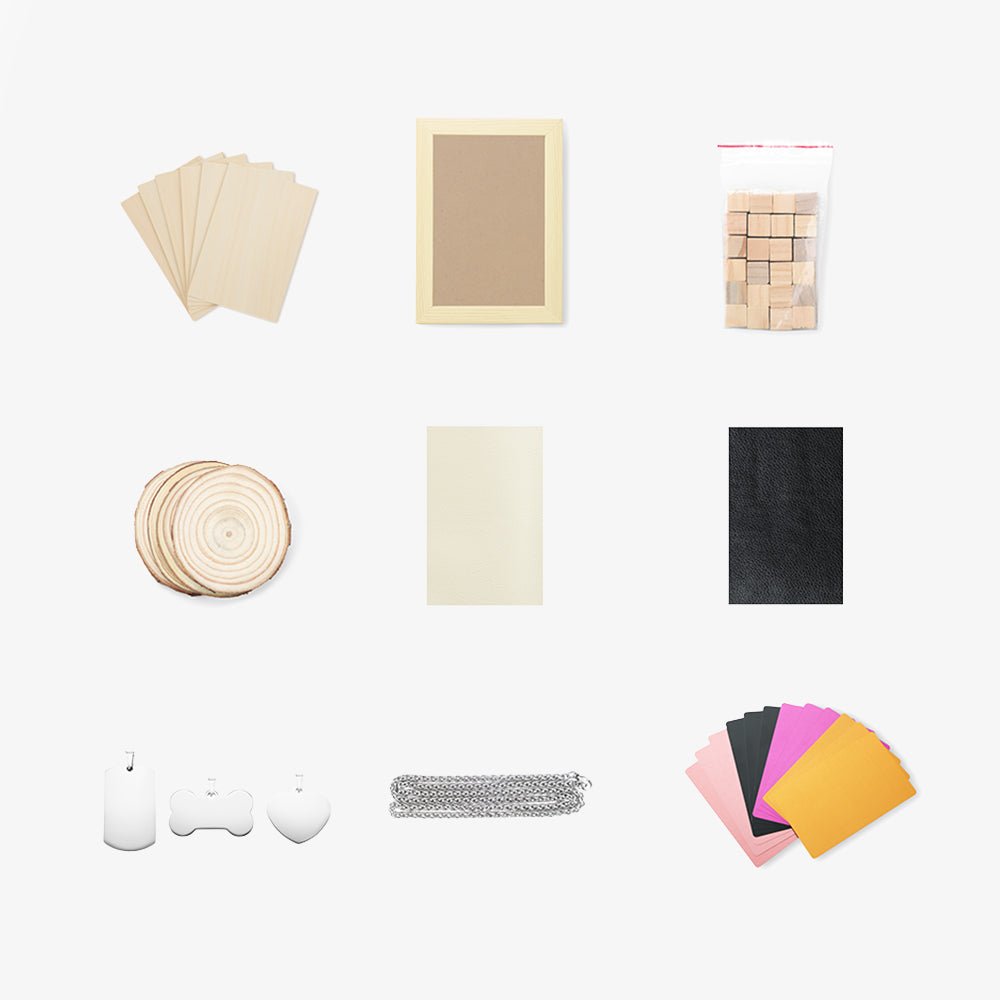
Puoi lavorare con una maggiore selezione di materiali quando hai un 20 W. Puoi anche lavorare con materiali più sostanziali, che apre ancora più possibilità per i tipi di progetti che puoi sviluppare.
IL Ray5 20W Viene dotato di un potente modulo laser con un output da 20 W. Inoltre, questa macchina presenta la più recente generazione di tecnologia di miglioramento laser, che aumenta la sua capacità di taglio. Può tagliare 0,002 pollici (0,05 mm) di acciaio inossidabile, nonché 0,59 pollici (15 mm) di legno di pino e 0,31 pollici (8 mm) di acrilico in un singolo passaggio.
A causa dei recenti progressi nella tecnologia laser compressa, il punto laser può ora essere piccolo quanto 0,08*0,1 mm2, rendendo possibile l'incisione di opere d'arte con linee più sottili, consistenza più chiara e dettagli più attraenti. E l'interfaccia assistita dall'aria è riservata, il che consente di abbinare facilmente un'ampia varietà di pompe d'aria a più superfici igieniche.
Mentre l'utilizzo del cutter da 5 W, del metallo, della ceramica e della pietra diventa molto più impegnativa con cui lavorare e, in tutta onestà, l'ambiente di potenza 5W è più comunemente usato per l'incisione di quanto non sia per il taglio. Quando si utilizza un taglierina laser da 5 W o 10 W, la maggior parte delle persone aderisce al taglio di materiali realizzati in legno, carta, plastica, pelle, scheda PCB, ossido di alluminio, placcatura non riflettente e metallo laccato.
Pensa a ottenere il laser da 20 W se si desidera lavorare con una varietà di vari tipi di materiali. Ai fini dei nostri progetti, abbiamo tagliato con successo anche i boschi più densi.
Precisione
Cosa dovresti fare se hai bisogno di disegnare linee su un componente estremamente sottile e accurato? In questo scenario, ti consigliamo vivamente di evitare di usare la testa laser da 20 W, anche se il rischio è ancora relativamente basso.
La dimensione del punto del laser da 20 W è 0,08 × 0,10 mm. Immagina che il punto laser sia il punto in cui è puntato un puntatore laser. Se il raggio usa questo puntatore laser per tagliare, vorrai che la punta sia più piccola possibile.
Le macchie laser del 5W sono 0,08 × 0,08 mm e i 10 W sono laser 0,06 × 0,06 mm. Il punto laser del laser da 20 W è significativamente più grande.
Quindi, se hai bisogno di un componente accurato, dovresti attenersi al 5W o al 10W.
Diversa capacità di incisione
I pezzi possono anche essere incisi con questo tipo di taglierina laser, che è un'altra funzione utile di queste macchine. Una piccola quantità di materiale viene rimossa dalla superficie superiore per produrre disegni tramite incisione. Poiché l'incisione non va in profondità come il taglio, la potenza richiesta non è così significativa.
IL Ray 5WLa capacità di incisione è significativamente migliorata grazie a un punto laser più piccolo e una precisione più elevata rispetto al suo predecessore. Poiché il componente necessita di un solo passaggio con il laser e la velocità di routing è la stessa su tutta la linea per queste tre possibilità, il 5W è quello che dovrebbe essere scelto.
Se hai bisogno di incidere e tagliare lo stesso oggetto, andando con il Laser da 10 W. Potrebbe essere la scelta migliore per te. Possiede un eccellente equilibrio di forza di taglio e precisione.
Crea creazioni colorate
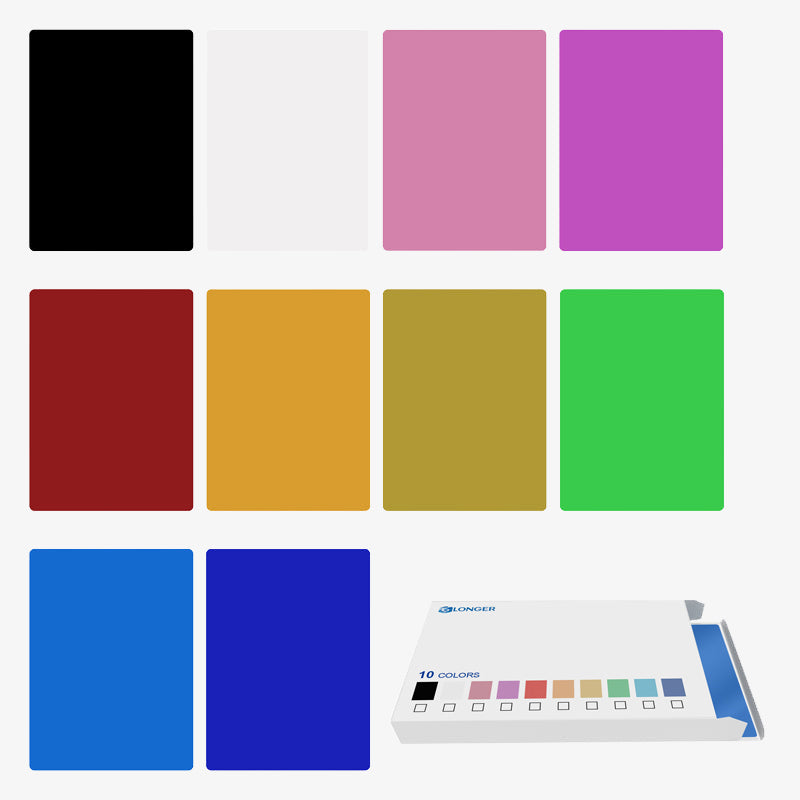
La capacità di generare incisioni colorate sul metallo è una capacità speciale che è esclusiva per 20 w Ray 5 più lungo e non può essere trovato su nessun'altra macchina. Qual è il meccanismo dietro questo? A causa della maggiore potenza fornita dal Laser 20W, è in grado di ossidare il metallo a vari tassi. È difficile da credere quando lo vedi di persona.
L'alterazione della potenza del laser provoca l'ossidazione del metallo a vari tassi, producendo infine una varietà di colori. È efficace su ottone, rame, acciaio inossidabile e titanio oltre all'alluminio. L'unica differenza è la gamma di colori disponibili per te (che dipende dal tipo di metallo).
I laser con output da 5W e 10 W non sono abbastanza potenti da svolgere questo compito. Avrai bisogno del modello da 20 W se desideri creare vivide incisioni sul metallo.
Prezzi Laser Ray 5 più lungo, disponibile in 5W, 10W e 20W.
Cosa dovrei aspettarmi di pagare per questo? La distinzione non è così bizzarra come può sembrare inizialmente:
-
Raggio più lungo 5w: $ 299,99
-
Raggio più lungo 10w: $ 449,99
-
Ray più lungo 20W: $ 899,99
Questi sono attualmente in sconto. Quindi è giunto il momento di effettuare un acquisto.
Quale materiale diverso può tagliare o incidere di alimentazione laser diversa?
Il taglio usando un laser può essere fatto su un'ampia varietà di materiali, tra cui ma non limitato a legno, carta, plastica, vetro, pelle, schiuma, tessuti e metalli. Selezionando i parametri più adatti per il laser, si può garantire che i tagli prodotti siano di alta qualità e abbiano una finitura superficiale liscia. D'altra parte, non si suggerisce di utilizzare un taglierina laser per tagliare determinati materiali, come vinile o ABS.
Per produrre il taglio desiderato, un taglierina laser opera concentrando un raggio laser ad alta energia sulla superficie della sostanza che sta tagliando. Questo fa bruciare ed evaporare il materiale.
Quando viene lavorato da un laser, ogni materiale mostra le proprie caratteristiche uniche e richiede una configurazione unica dei vari parametri laser per ottenere un taglio pulito con un alto livello di finitura superficiale.
A parte questo, la capacità di un laser di tagliare il materiale è determinata dal tipo di laser che viene impiegato.
In generale, il taglio laser funziona meglio con materiali naturali come legno, carta, pelle e metalli, tra le altre cose, perché questi materiali non producono o solo una quantità limitata di sottoprodotti potenzialmente pericolosi.
Takeaway finale
Il miglior risultato possibile sarà raggiunto con una potenza laser su misura specificamente al materiale costituente. Ad esempio, la carta incisione utilizza una potenza significativamente inferiore rispetto al legno di incisione in media. È necessaria una quantità minima di potenza per ottenere un'incisione uniformemente omogenea in acrilico e non è molto profonda. Inoltre, avere una potenza più elevata consente un lavoro più rapido durante la lavorazione dei materiali di incisione.
Il software consente un controllo semplice della potenza di output del laser. Tuttavia, l'hardware ha un ruolo nel determinare la massima potenza. I seguenti criteri devono essere soddisfatti: sei in grado di elaborare un'ampia varietà di materiali con una macchina laser che ha un'alta potenza laser, che ti offre molta libertà.