

News

Chitubox Plugins & Configuration of Orange 4K | Chitubox Set Printer - LONGER
Chitubox Plugins & Configuration of Orange 4K | Chitubox Set Printer

This article will help you solve chitubox printer settings or chitubox set printer.

LONGER Orange 4K 3D Printer is compatiable in Chitubox slicing software, please follow the steps to setup and make the configuration. 

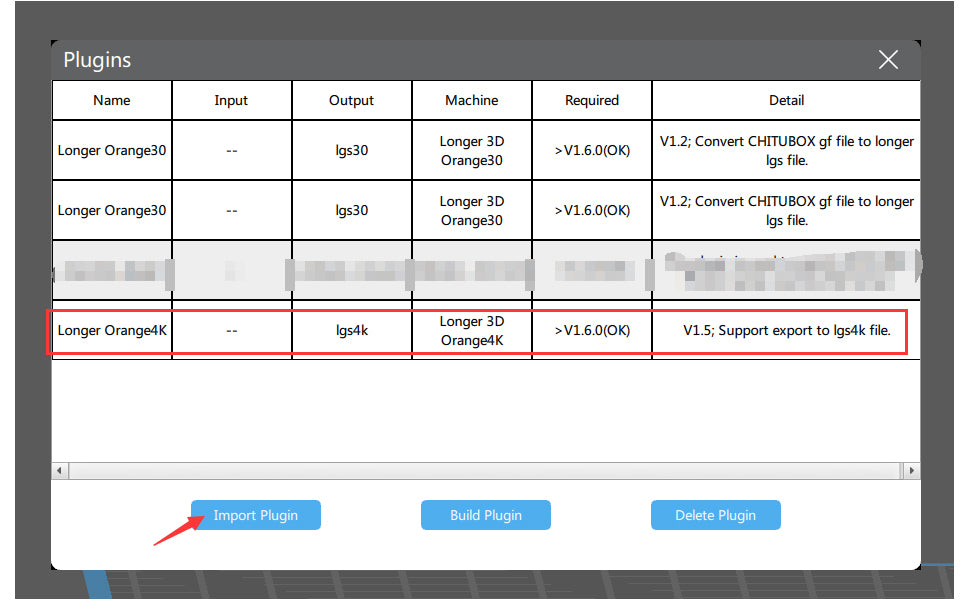
1. Install the plugin for Orange 4K in Chitubox

Run the Chitubox, import the plugin, please reach the links to download the plugin:

Longer3D-Orange4K-Linux-V1.5.CHplugin

Longer3D-Orange4K-macOS-V1.5.CHplugin

Longer3D-Orange4K-Windows32bit-V1.5.CHplugin

Longer3D-Orange4K-Windows64bit-V1.5.CHplugin
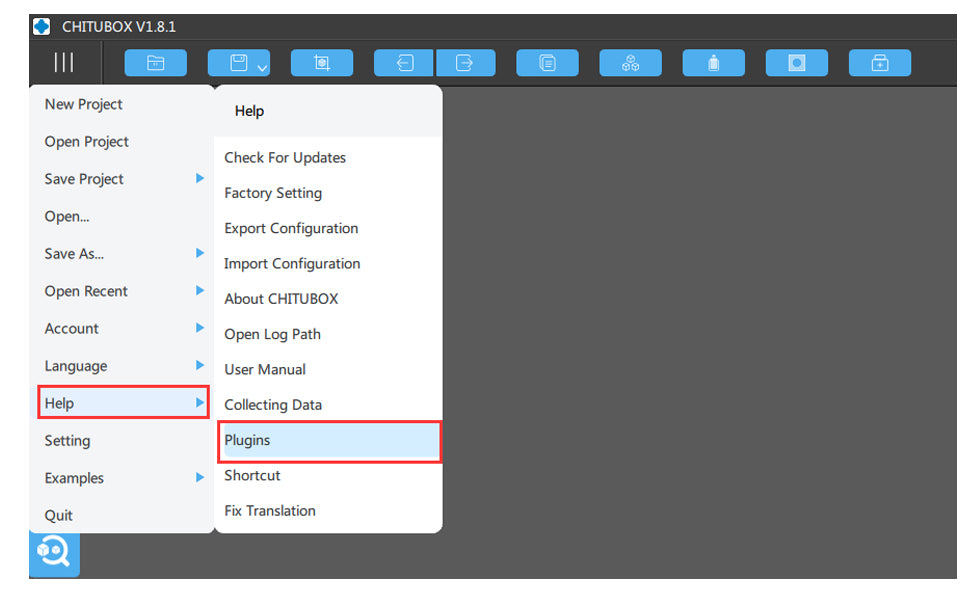
2. Import the configuration for Orange 4K on printing parameter

Import the configuration file into Chitubox, then you will get the default printing parameter from LONGER, please note that, the resin name with (4K Mono) means it's for Orange 4K Mono version 3d printer to print, this parameter will be with much less exposure time than 4K Color one.  

Configuration of Orange 4K in Chitubox
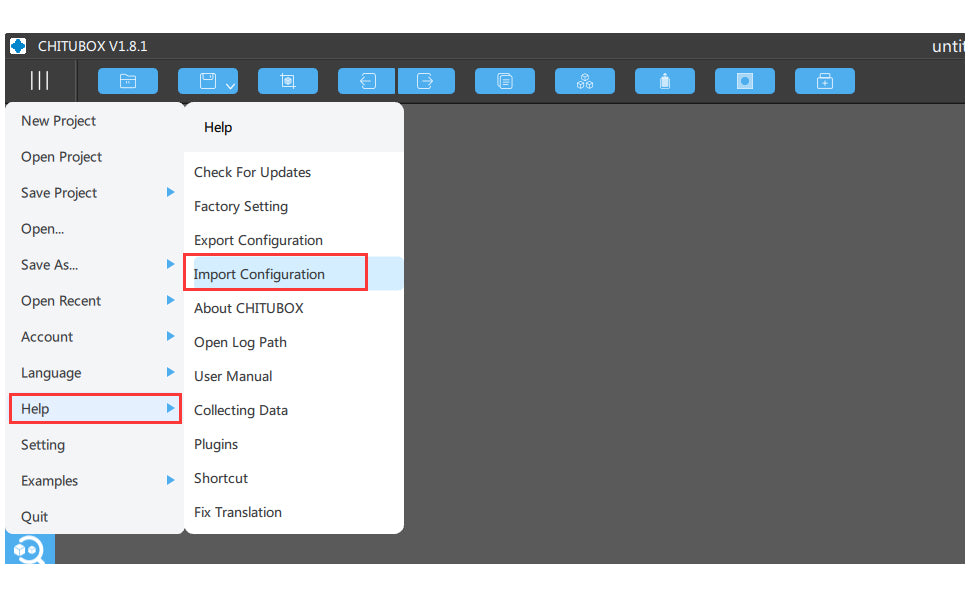
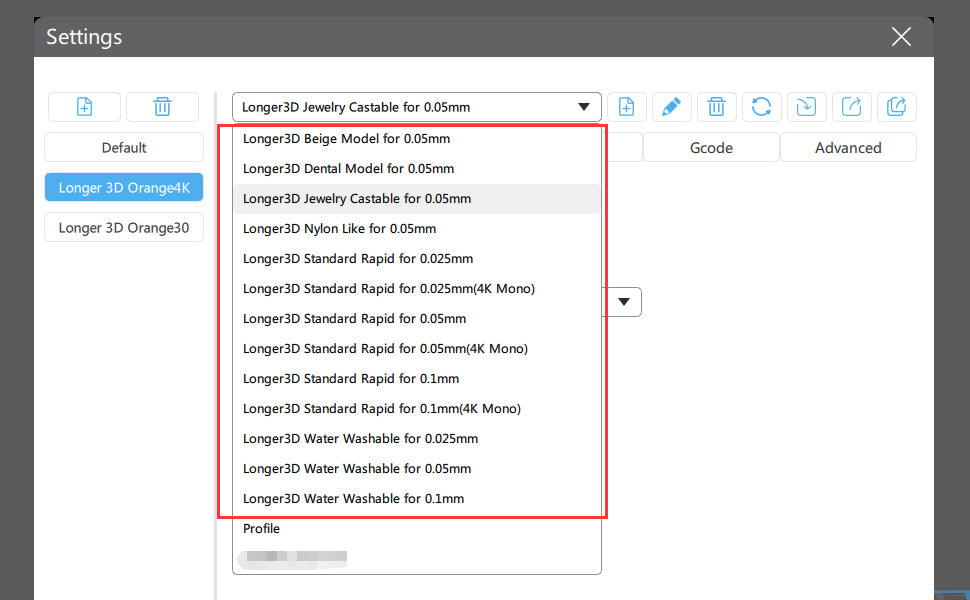
Then you will have the default setting on printing, and you would take the printing parameter for reference when you use other brand resin as well. 

Enjoy your printing by LONGER Orange 4K and keep sharing with your printing with us. :)

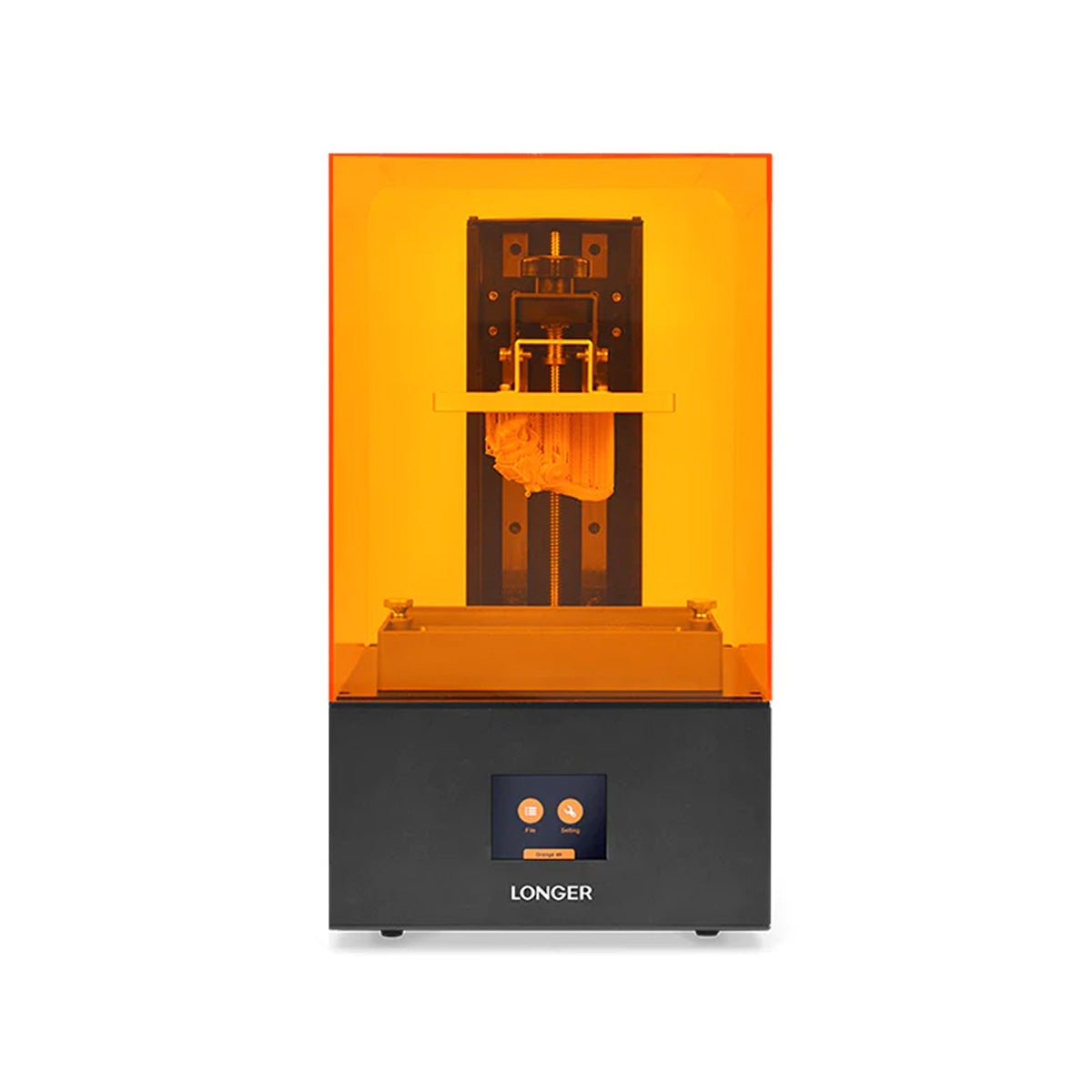
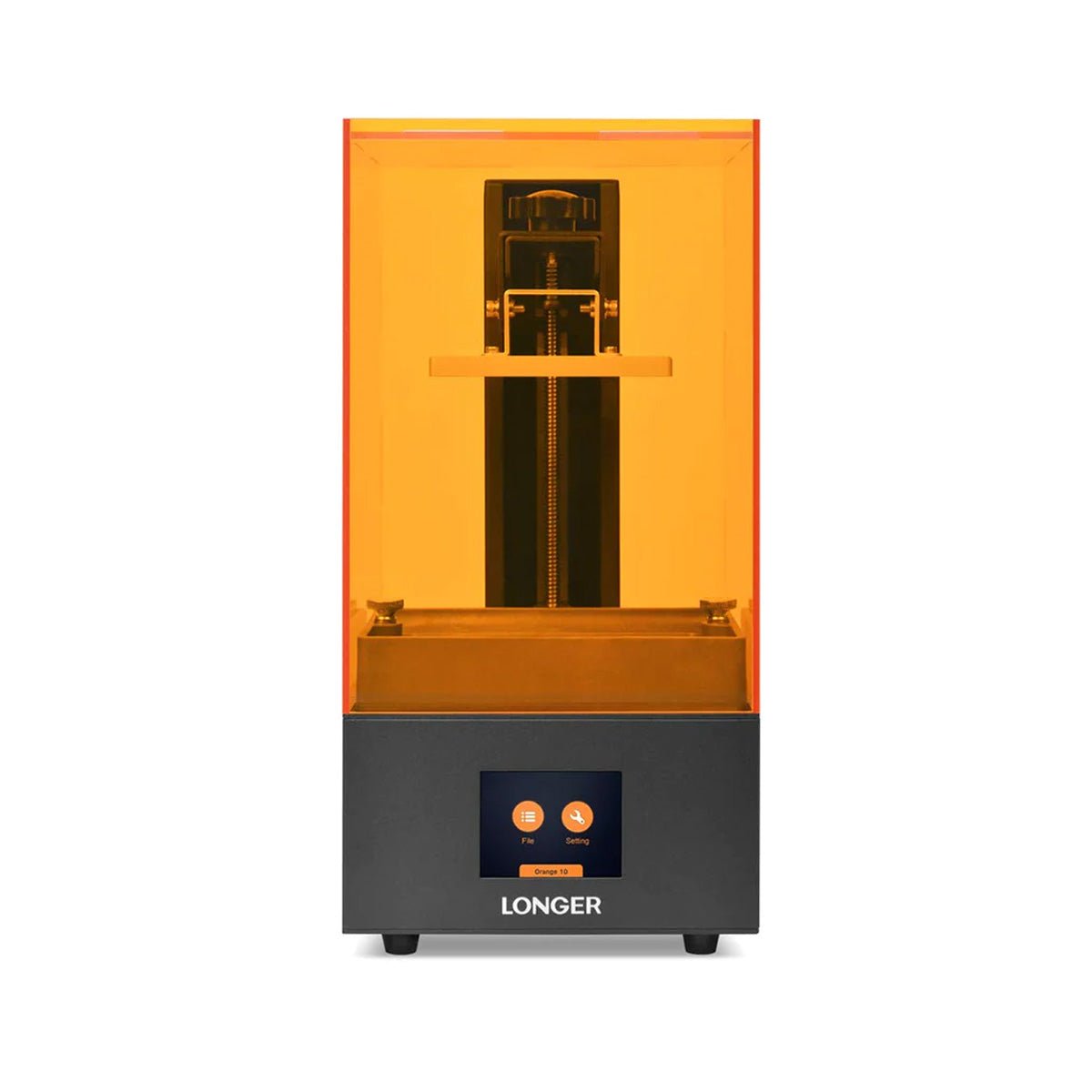
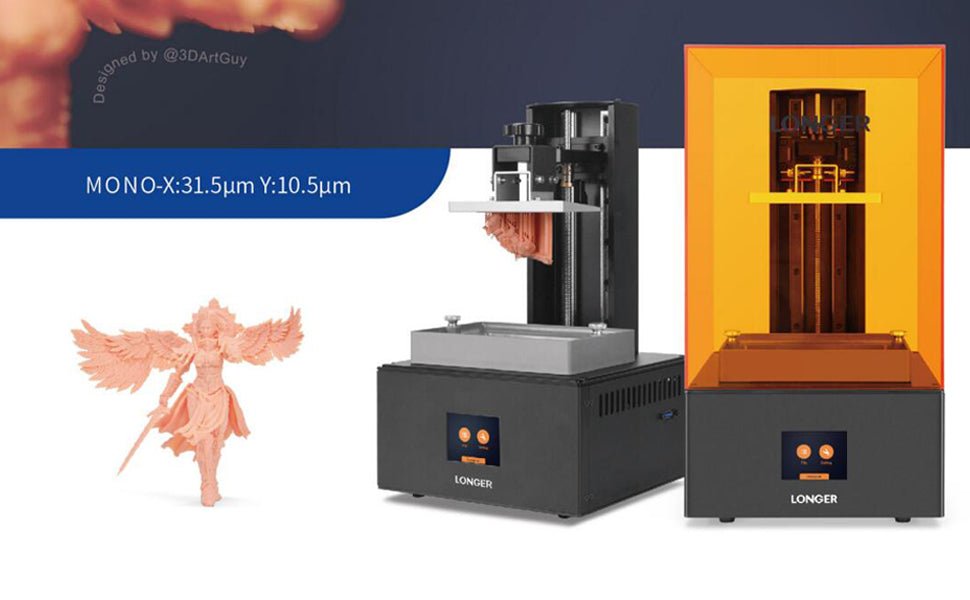
The Orange 4K Mono is built with 5.5 inch monochrome LCD screen, reaching 6480*3840 of resolution at 10.5/31.5µm and come with dual Z axis for steady printing, it's the finest LCD 3D Printer in the market right now. More information, please reach our Orange 4K Page HERE

https://www.longer3d.com/collections/3d-printers-1
 

By News | July 21, 2021
Steps of Orange 4K Color Upgrade to 4K Mono - LONGER
Steps of Orange 4K Color Upgrade to 4K Mono

The Orange 4K Color Version 3D Printer upgrade to Orange 4K Mono steps:


  1. Download and unzip the appropriate firmware (Orange 4K Color or Orange4K Mono).     Firmware: Orange4KMono_1.3.2
  2. Copy the firmware file (Orange4K) to the root directory of a USB drive.
  3. Switch off your Orange 4K machine and connect the USB drive to it.
  4. Switch on your Orange 4K machine and wait for firmware update.
  5. The machine will reboot automatically after firmware update and become ready for printing.

Note: 

As the UV intensity increases significantly after replacing 4K Color LCD with 4K Mono LCD, exposure parameters should be adjusted accordingly. Please refer to the manual on how to modify parameters through the touch screen. You can also change the parameters of a job file (*.lgs4k) on a computer with LongerWare.


Please follow this link to make the replacement of LCD Screen, be careful on changing. Youtube Video --> How to replace the LCD screen for Orange 4K


If there's any question or need further assistance on the upgrade procedure, please feel free to contact us at support@longer3d.com. 

The Orange 4K Mono is built with 5.5 inch monochrome LCD screen, reaching 6480*3840 of resolution at 10.5/31.5µm and come with dual Z axis for steady printing, it's the finest LCD 3D Printer in the market right now. More information, please reach our Orange 4K Page HERE

https://www.longer3d.com/collections/3d-printers-1

By News | July 16, 2021
3D Printer Download Guidelines - LONGER
3D Printer Download Guidelines

1. LKxPro-Marlin

2. Slicing Software Download - FDM 3D Printer

3. Slicing Software Download - Resin 3D Printer

4. Firmware Download 

LK4 3D Printer

LK4 PRO 3D Printer

LK5 PRO 3D Printer

LK5 3D Printer

LK1 3D Printer

Cube 2 3D Printer

LK1 PRO 3D Printer

LK1 PLUS 3D Printer

Orange 10 3D Printer

  • Because there's several version firmware for Orange 10, please contact our support team first before update at support@longer3d.net

Orange 4K 3D Printer

LONGER RAY5 laser engraver

5. Manual Download 

LK4 3D Printer

LK4 PRO 3D Printer

LK5 PRO 3D Printer

LK1 3D Printer

Cube 2 3D Printer 

LK1 PRO 3D Printer

Orange 10 3D Printer

Orange 30 3D Printer

Orange 4K 3D Printer

6. Drive Program for FDM 3D Printer 

7. TF Card / USB Disk Content to LONGER 3D Printer  

8. TF Card Format Tool


If you still have any questions during the operation, please visit our Support Page. Our knowledgeable staff is happy to assist you and your team with any questions. 

LONGER offers you a lot of support to ensure that you fully achieve the potential of the laser cutter and engraver machine. LONGER website provides a quick overview of the company's services and products, frequently asked questions, software compatibility downloads, and comprehensive comparisons between different models of machines that will help you make the right decision. Also, customer service can quickly attend to any questions and complaints.

By News | January 24, 2021