

Lasergravierer-Blog

LONGER How To:Enable Rotary Mode in LightBurn

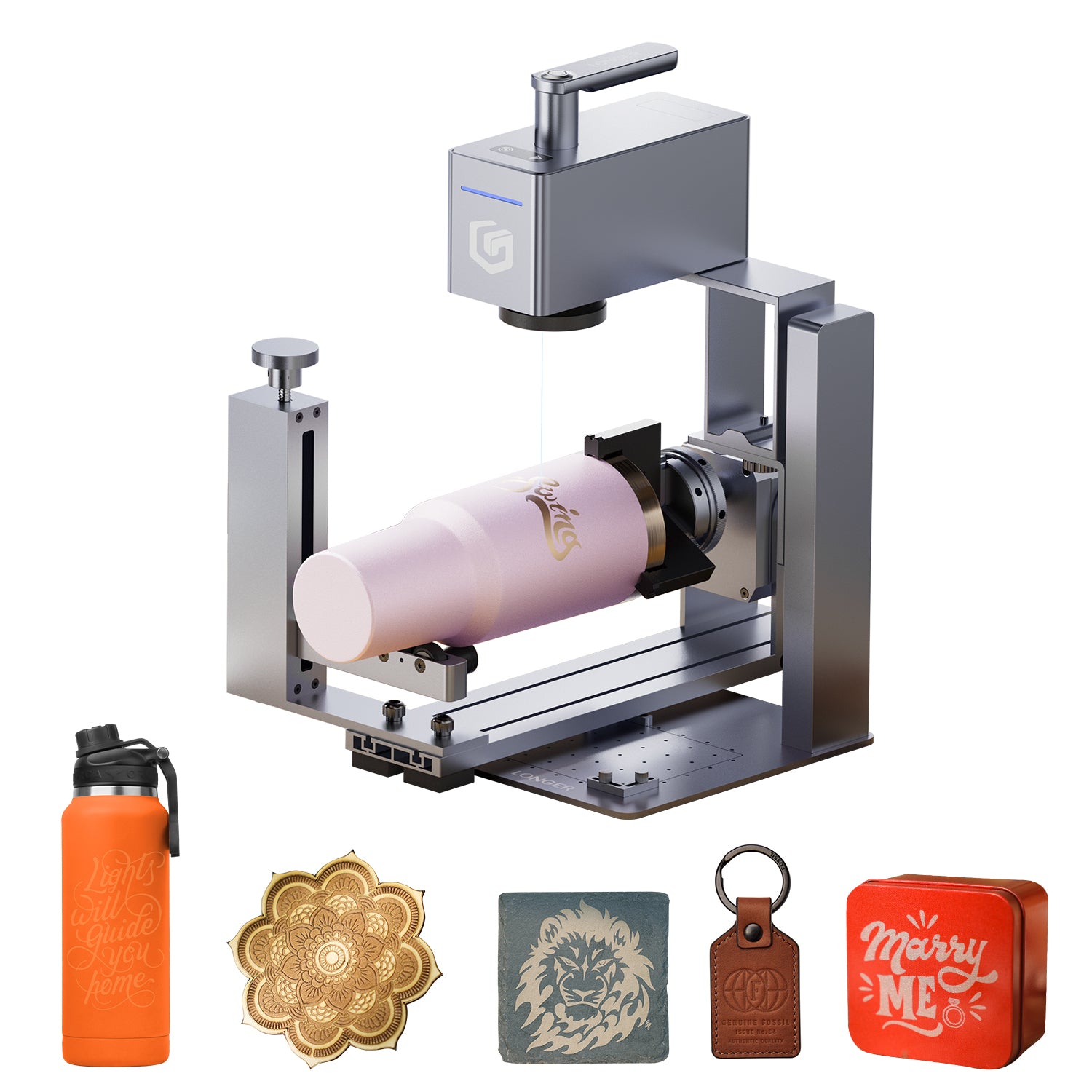
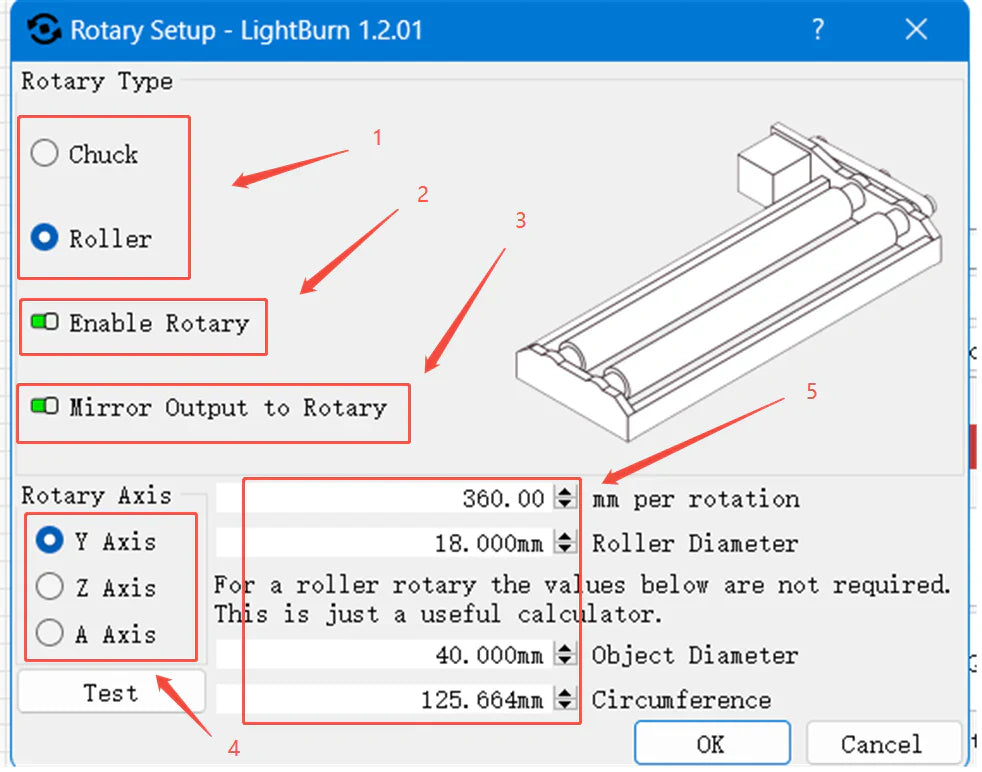
This guide explains how to enable and configure Rotary Mode in LightBurn for engraving on cylindrical or symmetrical items using roller or chuck rotary attachments. From hardware connection to setting parameters like steps per rotation and object diameter, you'll learn everything needed for accurate rotary engraving. The tutorial includes tips for mirror output, axis selection, and test engraving to ensure optimal results. Perfect for makers using the LONGER Ray5 or similar laser engravers with rotary tools.

By Lasergravierer-Blog | July 5, 2025
LONGER How To:Create and Engrave a QR Code in LightBurn

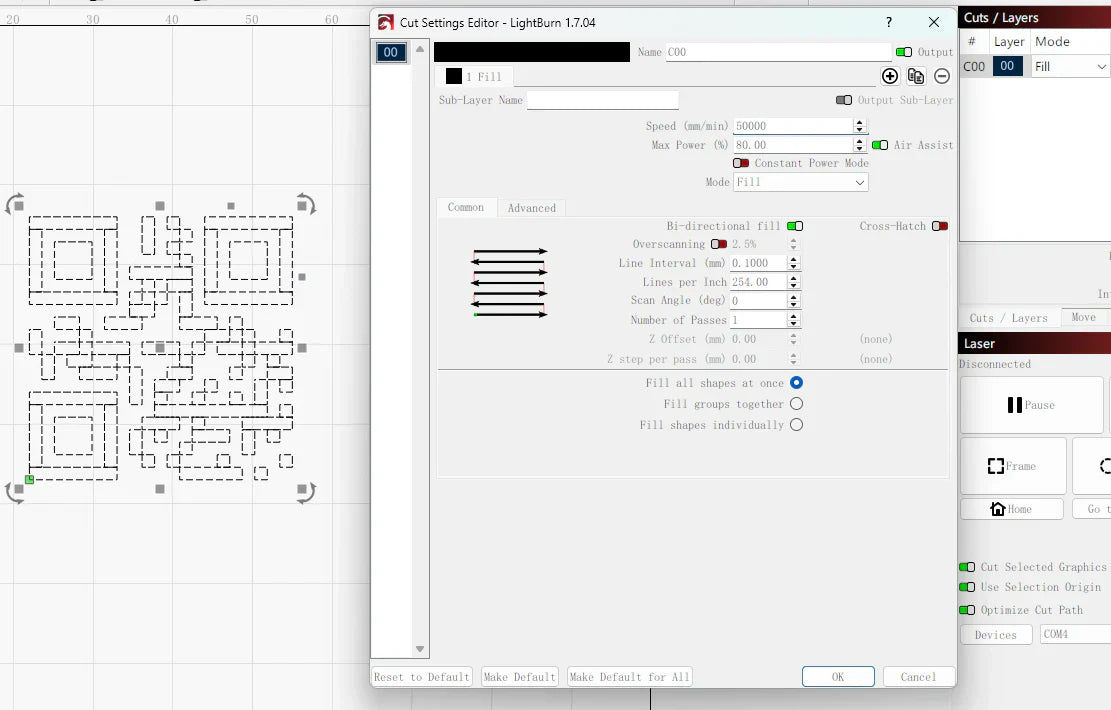
This step-by-step guide shows you how to generate and engrave QR codes using LightBurn’s built-in tool. From websites to Wi-Fi credentials, QR codes add smart, scannable features to your laser projects. Whether you're a beginner or seasoned maker, the process is fast, intuitive, and fully compatible with Longer laser engravers. Learn how to input data, set engraving parameters, and achieve high-quality results that are both functional and visually appealing.

By Lasergravierer-Blog | July 5, 2025
LONGER How To:Adjust the Red Dot Focusing Module on the Nano Duo

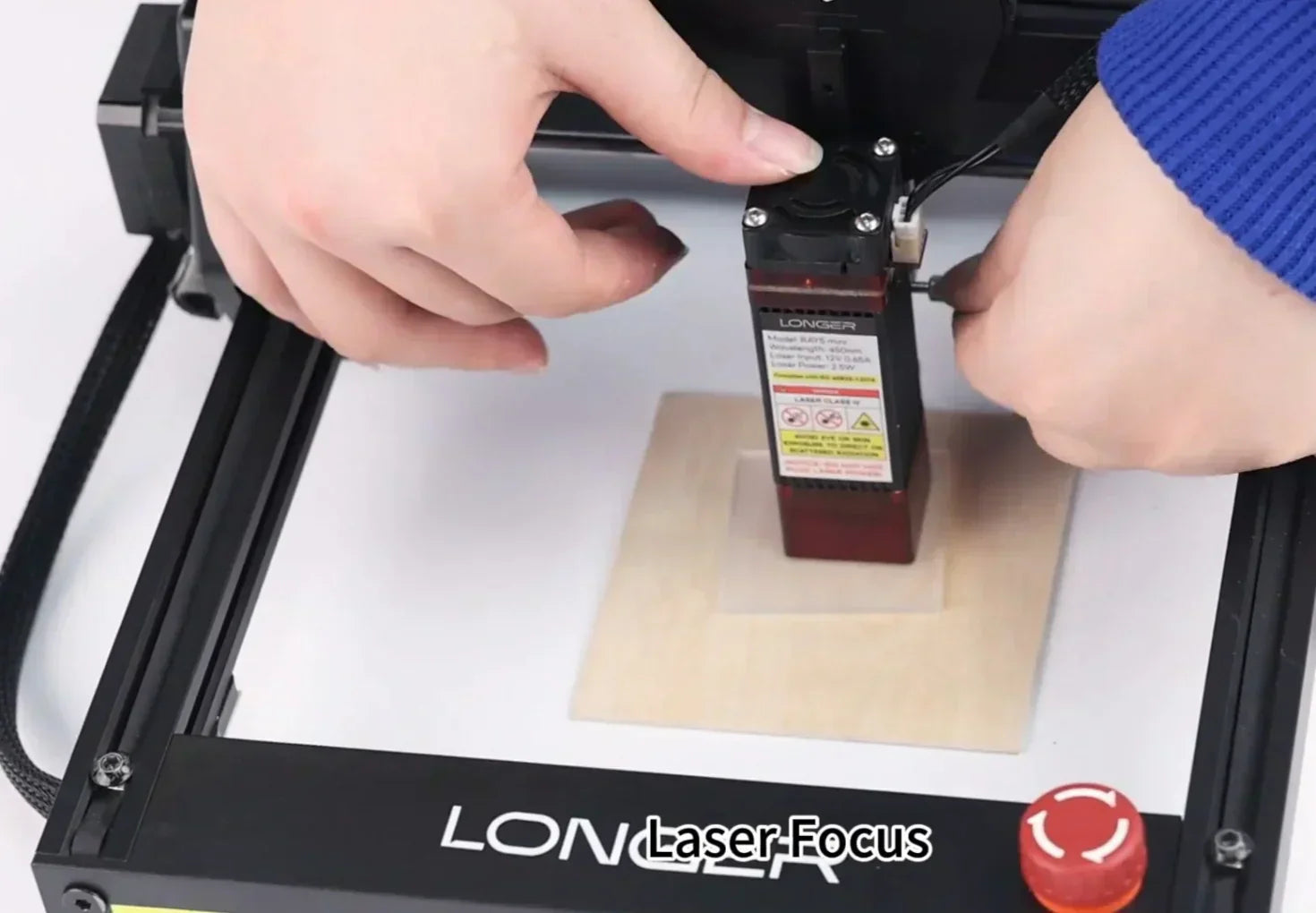
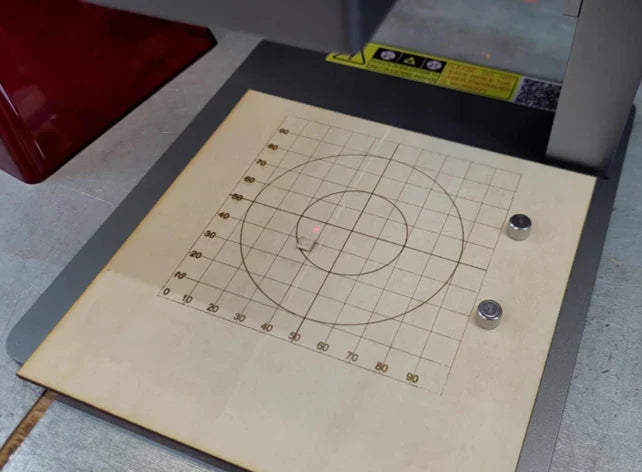
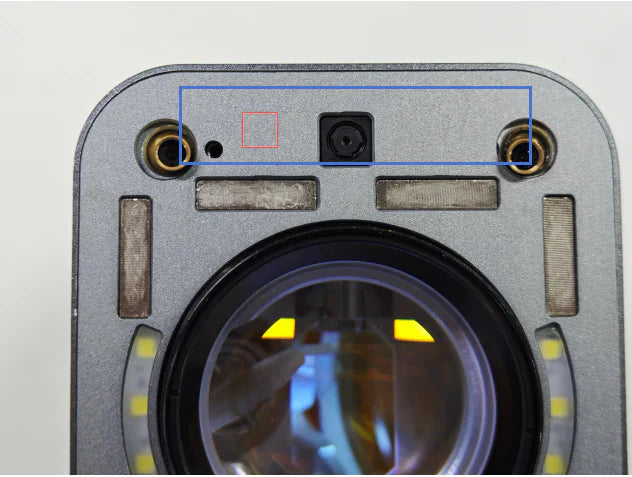
The red dot focusing module on the Longer Nano Duo helps users quickly align the laser’s focal point for precise engraving. If the red dots become misaligned due to movement or impact, it’s essential to recalibrate the system. This guide covers how to find the correct focal distance (220.5mm), activate the red dot in both the device screen and LaserBurn software, and manually align the dual red lasers using simple tools. Proper adjustment ensures high engraving precision and reduces errors caused by focus issues.

By Lasergravierer-Blog | July 5, 2025
LONGER How To:Use Overcut in LightBurn for Laser Cutting

Overcut is a practical feature in LightBurn that slightly extends the laser cut path beyond the endpoint, ensuring complete separation and cleaner edges. This guide explains what Overcut does, why it matters—especially for thicker materials—and how to set it up effectively in LightBurn’s Cut Settings Editor. With step-by-step instructions and practical tips, you’ll be able to enhance the quality and precision of your laser cutting projects with ease.

By Lasergravierer-Blog | July 5, 2025
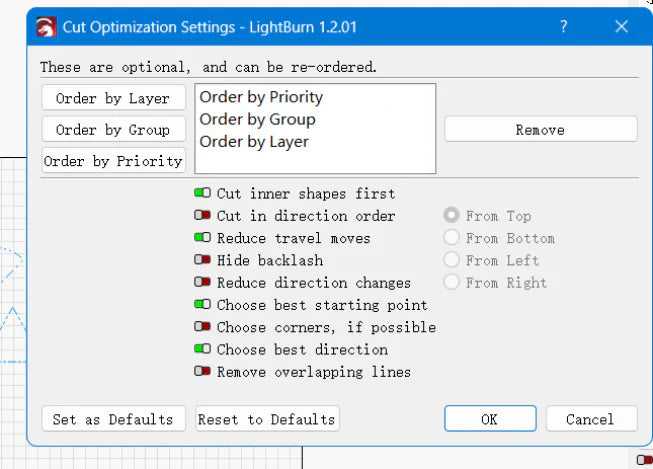
LONGER How To:LightBurn Path Optimization Settings

Path optimization is essential in laser engraving and cutting for improving speed, precision, and machine longevity. This guide explains how to use LightBurn’s powerful optimization tools—including group, layer, and priority-based settings—to streamline workflows, reduce idle travel, and enhance output quality. Whether you're managing a simple project or a complex design, mastering these settings ensures maximum performance from your laser system.

By Lasergravierer-Blog | July 5, 2025
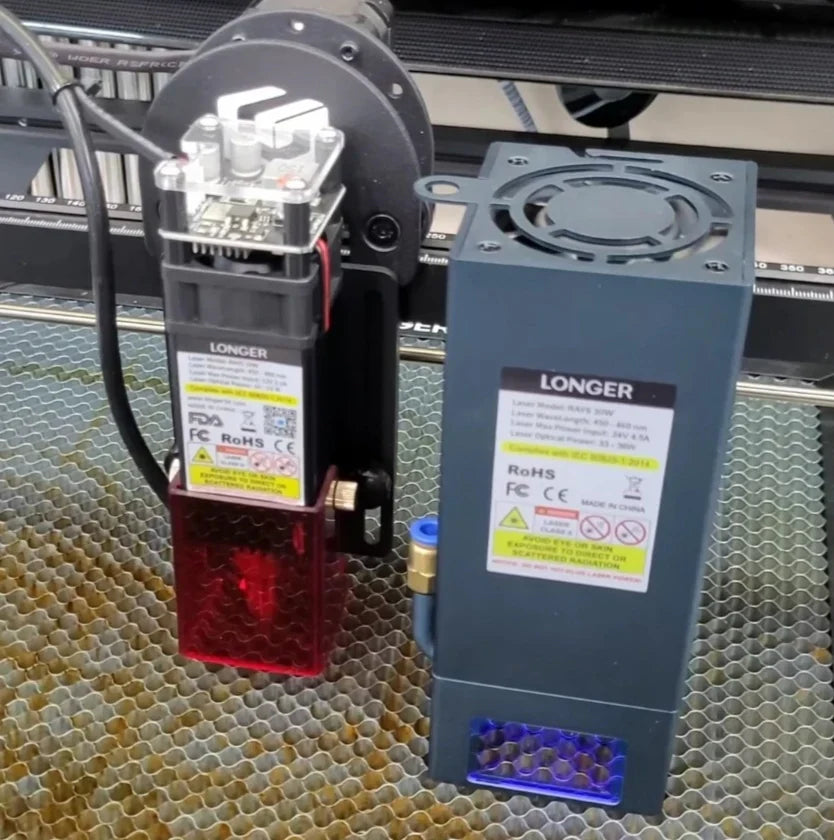
LONGER How To:Install the latest 30W Laser Module for Longer Ray5

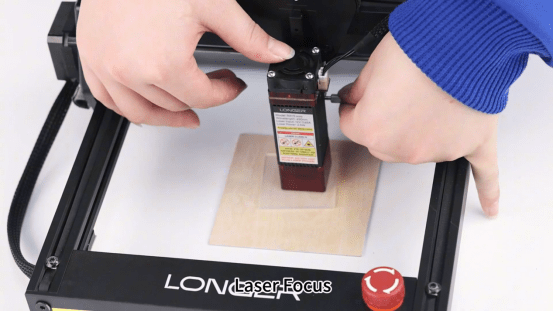
The Longer Ray5 laser engraver now supports a powerful 30W laser module, expanding its capabilities for cutting and engraving a wider range of materials more efficiently. This guide provides step-by-step instructions for installing the 30W module, including hardware adjustments, cable connections, and firmware updates. With the upgrade complete, users can enjoy faster processing times and greater creative freedom for their laser projects. Be sure to refer to the included manual and this guide to ensure a smooth installation.

By Lasergravierer-Blog | July 5, 2025
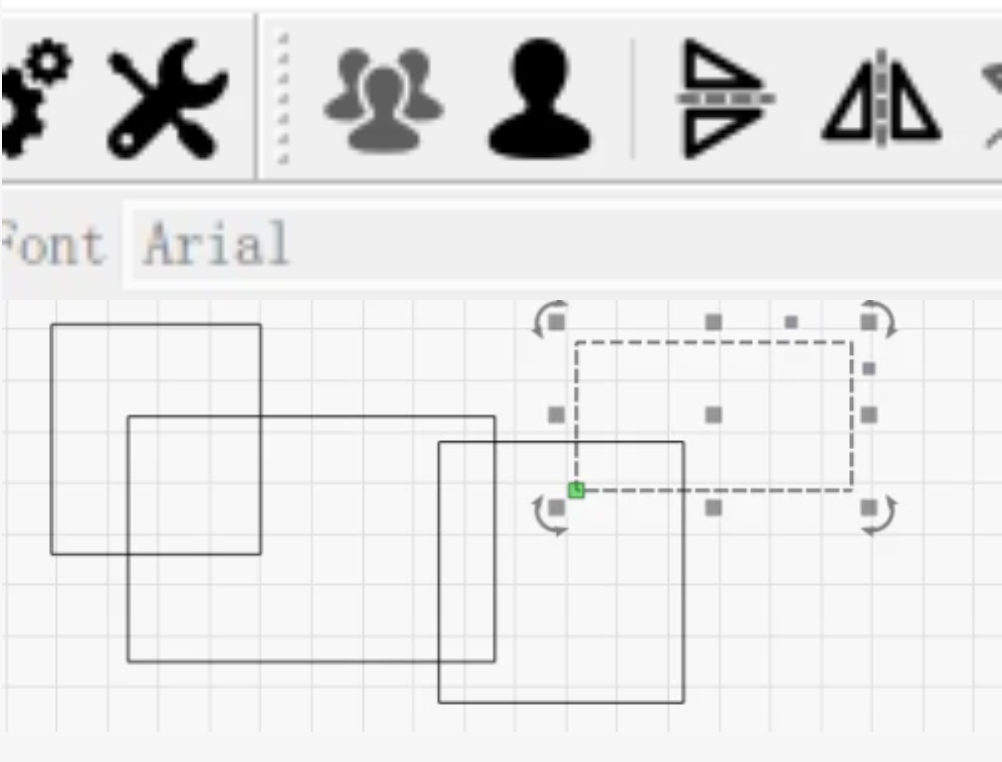
LONGER How To: Grouping and Ungrouping in LightBurn

Grouping and ungrouping objects in LightBurn are essential techniques for managing laser engraving projects more efficiently. This guide walks you through how to group and ungroup elements using both mouse actions and keyboard shortcuts, and explains the practical benefits of each. Grouping helps streamline movement, alignment, and bulk editing, while ungrouping allows for precise control and detailed modifications. Mastering these functions ensures a faster, cleaner, and more productive laser design process.

By Lasergravierer-Blog | July 5, 2025
LONGER How To: Test Material Parameters in LightBurn with the Material Test Tool

The Material Test feature in LightBurn helps laser users quickly determine the optimal engraving or cutting settings for different materials. This guide covers step-by-step instructions—from accessing the tool and configuring test matrices to previewing, running tests, and analyzing results. Whether you need to tweak power, speed, interval, or passes, this tool streamlines calibration and enhances output quality with less trial and error. Perfect for both beginners and advanced users aiming for precise, consistent results.

By Lasergravierer-Blog | June 24, 2025
LONGER How to :Use the Trace Image Feature in LightBurn

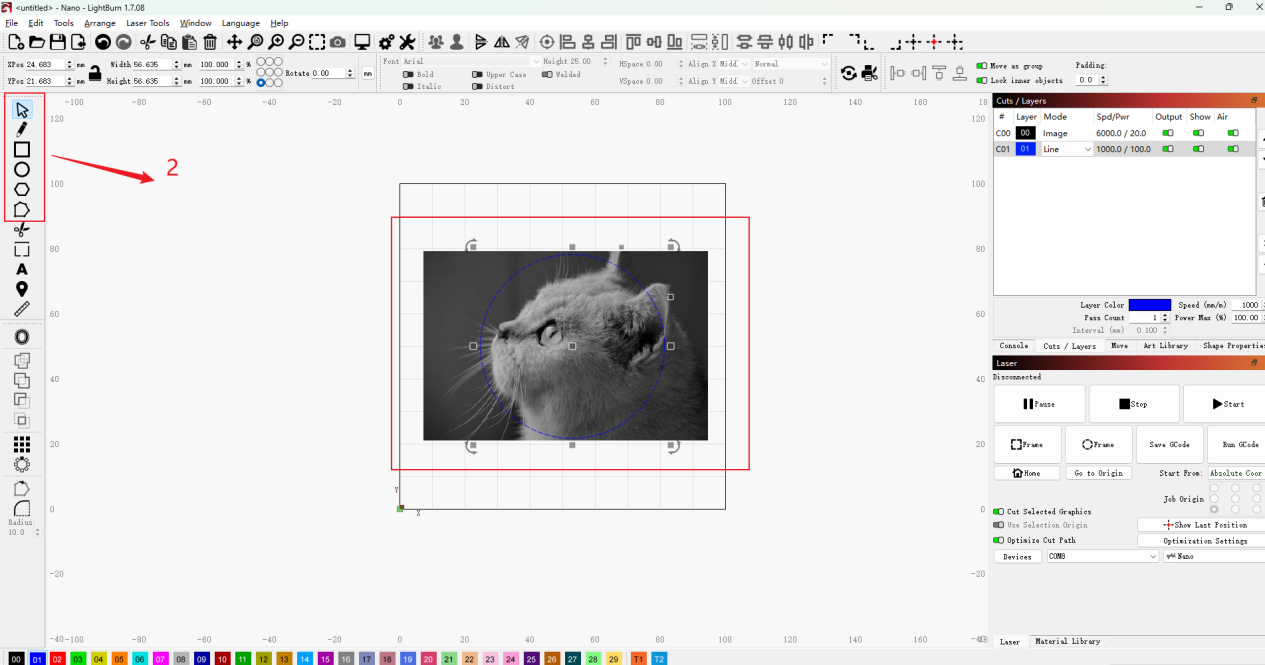
LightBurn’s Trace Image feature lets users easily convert bitmap images—like cartoons, logos, or handwritten sketches—into vector paths for laser engraving and cutting. This guide walks through each step, from importing and adjusting brightness thresholds to optimizing smoothness and vector cleanup. Perfect for anyone looking to expand their laser project designs using the Nano Pro or other LONGER engravers.

By Lasergravierer-Blog | June 24, 2025
LONGER How To:Leather Engraving with Nano Pro

Leather engraving adds unique charm to handmade items like wallets and belts. With its precision and portability, the LONGER Nano Pro is ideal for laser engraving leather. This guide walks you through the full process—from setup and design prep to LightBurn settings and safety tips—so you can achieve high-quality, personalized results with ease.

By Lasergravierer-Blog | June 24, 2025